
Uploaded by
bryar-kidd
62 SLIDES
750 VUES
650LIKES
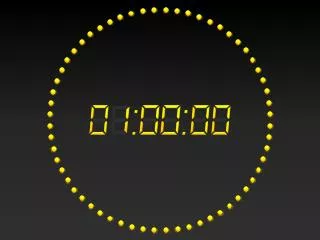
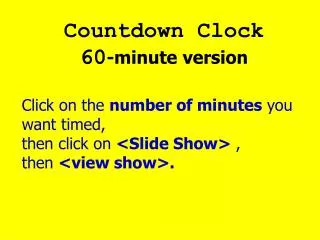
Create a Dynamic Digital Clock in PowerPoint 2010
DESCRIPTION
Learn how to build a dynamic digital clock with a 60-minute countdown timer in PowerPoint 2010. This step-by-step tutorial will guide you through the process of using shapes, animations, and timings to create an engaging and functional clock display. Impress your audience with this interactive feature that adds a professional touch to your presentations.
Download
1 / 62
Télécharger la présentation 
Create a Dynamic Digital Clock in PowerPoint 2010
An Image/Link below is provided (as is) to download presentation
Download Policy: Content on the Website is provided to you AS IS for your information and personal use and may not be sold / licensed / shared on other websites without getting consent from its author.
Content is provided to you AS IS for your information and personal use only.
Download presentation by click this link.
While downloading, if for some reason you are not able to download a presentation, the publisher may have deleted the file from their server.
During download, if you can't get a presentation, the file might be deleted by the publisher.
E N D
Presentation Transcript







More Related

Audio
Live Player