
Uploaded by
buzz
13 SLIDES
240 VUES
130LIKES
How to Update Your MyPages Passport Profile Efficiently
DESCRIPTION
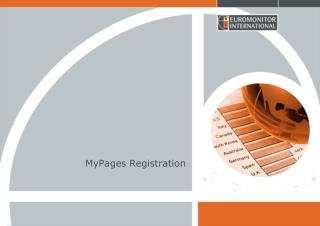
Learn how to update your MyPages Passport profile with ease. Start by clicking on the Passport section, then fill out all required fields and click 'Next' to begin customizing your profile. To select industries, countries, consumers, and industry outputs, right-click on the respective categories. Choose your desired countries and uncheck any options if you prefer not to receive alerts. Finally, review the summary of your selections, scroll down, and select 'Go to Passport Home' to complete the process.
Download
1 / 13
Télécharger la présentation 
How to Update Your MyPages Passport Profile Efficiently
An Image/Link below is provided (as is) to download presentation
Download Policy: Content on the Website is provided to you AS IS for your information and personal use and may not be sold / licensed / shared on other websites without getting consent from its author.
Content is provided to you AS IS for your information and personal use only.
Download presentation by click this link.
While downloading, if for some reason you are not able to download a presentation, the publisher may have deleted the file from their server.
During download, if you can't get a presentation, the file might be deleted by the publisher.
E N D
Presentation Transcript
Right click on Industries to select all. Do the same for Countries and Consumers and Ind Output








More Related