
SlideServe
Menu
Préférences
© SlideServe · v2026

Part 2: Interactivity

cara avatar
14 diapositives · 300 Views · Aug 14, 2014

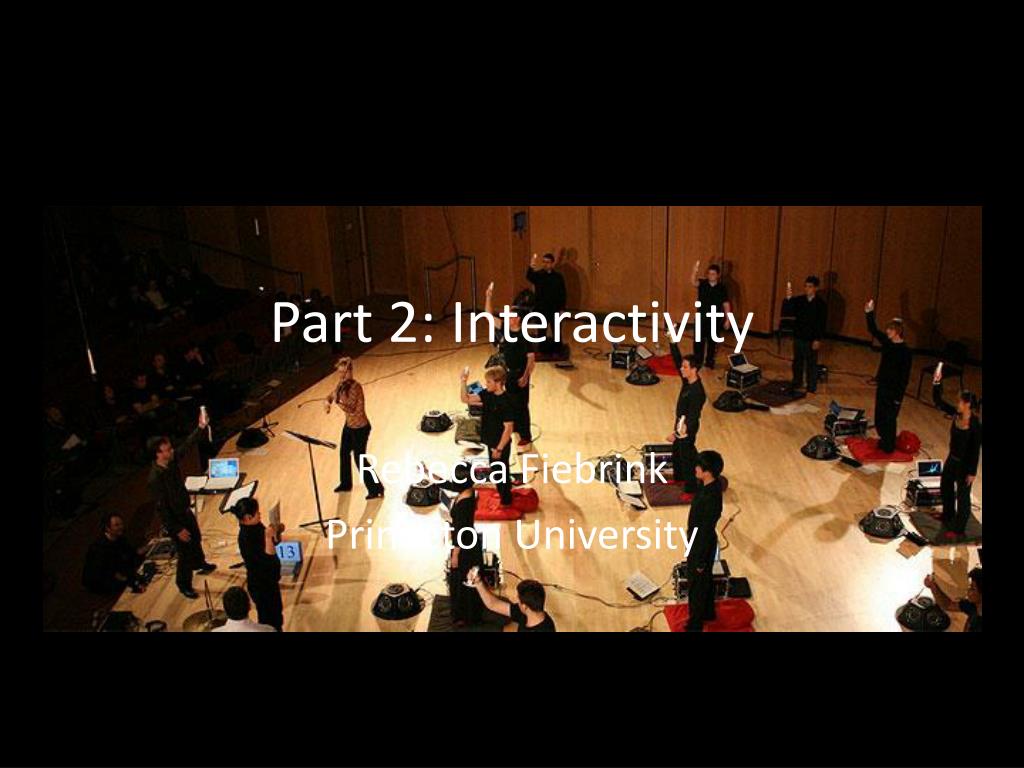
Part 2: Interactivity. Rebecca Fiebrink Princeton University. In this section. Using the laptop’s inputs Adding game controllers and MIDI controllers Interacting with controllers, other software, and other computers using OSC. Interaction in ChucK: Event-based.
Part 2: Interactivity - slide 1
01 / 14Part 2: Interactivity
1 / 17

Télécharger la présentation

Part 2: Interactivity
Une image / un lien ci-dessous est fourni (tel quel) pour télécharger la présentation

Politique de téléchargement : le contenu du site vous est fourni TEL QUEL pour votre information et votre usage personnel ; il ne peut être vendu, concédé sous licence ni partagé sur d’autres sites sans l’accord de son auteur.Le contenu vous est fourni TEL QUEL, pour votre information et votre usage personnel uniquement. Téléchargez la présentation en cliquant sur ce lien. Lors du téléchargement, si vous ne parvenez pas à télécharger une présentation, l’éditeur a peut-être supprimé le fichier de son serveur.Pendant le téléchargement, si vous ne parvenez pas à obtenir une présentation, le fichier a peut-être été supprimé par l’éditeur.

F I N

Plus de contenu associé

Transcription de la présentation
  1. Part 2: Interactivity Rebecca Fiebrink Princeton University

  2. In this section • Using the laptop’s inputs • Adding game controllers and MIDI controllers • Interacting with controllers, other software, and other computers using OSC

  3. Interaction in ChucK: Event-based • Many methods of interacting with ChucK work within the same ChucK Event Framework. • Keyboard, mouse, joystick, other HID • MIDI and OSC allow communication: • With controller devices • With other computers!

  4. Events • An Event can be broadcast from one shred to one or more other shreds. • Shreds wait for an event by chucking “e => now” • See events.ck, events_sound.ck

  5. Using the laptop’s native inputs • Revisit FM_mouse.ck (#30) • SMELT: • http://smelt.cs.princeton.edu • Show website: A place for you to grab example code • The computer is a bunch of generic input devices • Buttons, position sensor, camera, motion sensor, mic • Why not use these inputs creatively? • Examples: kb-fret.ck, tp-cond.ck, motion-sing.ck, ocarina (Motion sensor and mic are not HID)

  6. Adding new controllers • Most USB game controllers speak HID • Ex: joy of chant (on my computer) • To add your own, run basic_hid.ck to peek at the HID messages being generated • See basic_hid_fm.ck for an example of using these messages to make sound

  7. MIDI • Use ChucK’s event structure to work with any MIDI devices • Use basic_midi.ck to see what messages are being received from a device • See midi_mandolin.ck for a standard use of MIDI (synthesizing from noteOn messages)

  8. OSC • Open Sound Control • More customizable than MIDI • Each message has a path (like a name) and some data (ints, floats, strings, etc.) • Run on a single computer: Can speak to other programs! • E.g., Processing, Jitter, Max/MSP, custom C++/Java code • Run over ANY network: Communicate between machines!

  9. Establishing OSC communication • Each shred can listen for OSC messages on an open port (e.g., 6565) and/or send OSC messages to a specific port. • The destination machine is specified using an IP address or “localhost” Machine X Port 6449 on Machine X UDP Shred B Shred A Listens on port 6449 Sends to port 6449 on Machine X

  10. OSC Messages • Each message has a path to distinguish it from other messages • E.g., “/Rebecca/Workshop/Message1” • Path name is completely arbitrary • Each message can contain integers, floats, and/or strings

  11. Communicating between shreds • Event example from Part 1 (#47) required that all communicating shreds share a namespace • E.g., 2 player shreds were children of the conductor • With OSC: No namespace necessary • Example: osc_conductor.ck, osc_player.ck

  12. OSC with Processing • Example: Simple webcam mapping: processing_webcam_osc.pde + use_processing_cam.ck

  13. Communication Between Machines • Example: ChucK ChucK Rocket • Example: Clix • Have Samson show Clix on 1 machine • See OSC messages • Show video clip of clix performance AAA

  14. Review: Interactivity • Laptop’s native inputs: SMELT toolkit • Keyboard, mouse, motion sensor, microphone • External controllers • Game devices: HID events • MIDI controllers • Custom sensors: Arduino (OSC), CUI (HID), iCube (MIDI) • Other software via OSC: • Processing, Max/MSP, Jitter • Custom C++, Java, vvvv, mrmr, openFrameworks, Ruby, … • Other computers via OSC • Anything on the same network, or with a reachable IP address See my OSC handout for the details on how to use OSC with ChucK