Understanding the Internet: Access, Providers, and Connection Methods
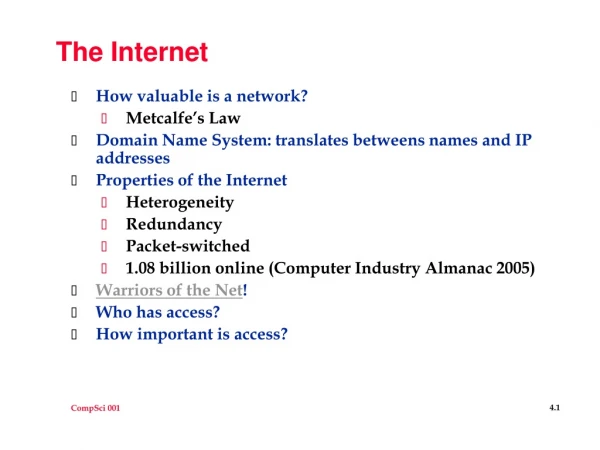
The Internet is a global network of computers that connects individuals and organizations, allowing for the electronic sharing of information. It functions like a vast library filled with numerous web pages on various topics, accessible from anywhere with an internet connection. Users can apply for jobs, fill out government forms, check bank accounts, communicate with others, conduct research, learn new skills, read news, and watch videos online. There are various ways to connect to the Internet, including dial-up, high-speed DSL or cable, and wireless (Wi-Fi) connections.

Understanding the Internet: Access, Providers, and Connection Methods
E N D
Presentation Transcript
The Internet From the St. Paul Public Library
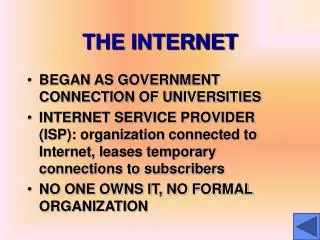
What is the Internet? • A world-wide network of computers allows people to share information electronically • Like a BIG book with many web-pages on different topics • Can be accessed anywhere with an Internet connection
Why use the Internet? • Apply for jobs or schools • Fill out government forms • Check bank accounts • Communicate with family, friends and co-workers • Do research • Learn new skills • Read news • Watch videos
What is an Internet Service Provider? • A company that provides Internet access for customers (examples: Comcast, Century Link, AOL) • Your computer connects to the Internet Service Provider (ISP), then to the Internet Your computer ISP Internet
How to connect to the Internet Three main ways to connect to the Internet • Dial-Up • High Speed Internet : DSL or Cable • Wireless Connection (Wi-Fi)
Dial-Up Internet Connection • Dial-Up • All you need is a computer, phone-line and Internet Service Provider! (ISP) • Not as fast as other Internet connections, but often more affordable Your computer ISP Internet Landline
High Speed (Cable or DSL) Internet Connection High Speed connection is also called “Broadband” DSL Cable Uses the phone line to connect to the Internet Similar to dial-up, but is faster and leaves the phone line open Uses your cable service to connect to the internet • Both need to be connected by a Modem to your computer, either a DSL or Cable • Modem: A hub that connects the computer to the Internet
Wireless Internet Connection (Wi-Fi) • Your computer must be a “Wireless enabled” device • Your computer can pick up signals from different wireless networks • Some networks require passwords or a subscription, others are free This is what the wireless symbol would look like if your computer was connected
Web Browser A web-based program that displays the Internet Common Web Browsers Safari: for Apples/Macintosh Internet Explorer: for Windows only
Other Web Browsers Google Chrome: created by Google Mozilla Firefox: works on Mac & PC