Download
1 / 17
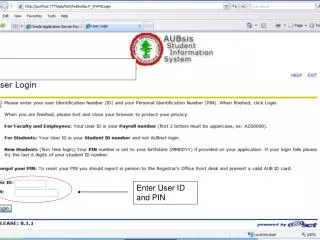
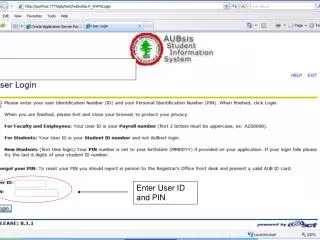
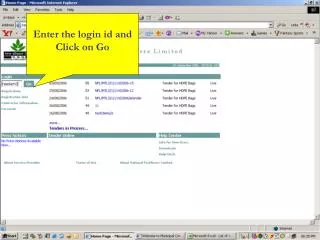
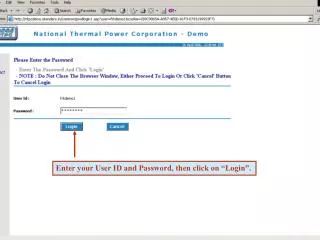
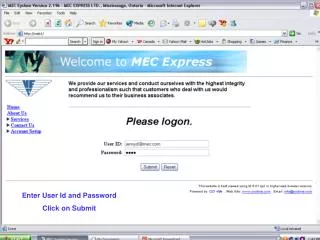
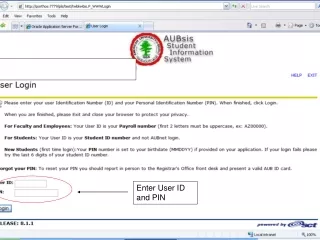
Enter User ID and PIN
180 likes | 322 Vues
Enter User ID and PIN. Select Student Services. Select Registration. Enter Fall Term 2010-2011. Enter CRN of desired course. If the course has an active waiting list the status will be as such. Select Wait listed to register your name in the Wait list. Click Submit Changes.

Télécharger la présentation 
Enter User ID and PIN
An Image/Link below is provided (as is) to download presentation
Download Policy: Content on the Website is provided to you AS IS for your information and personal use and may not be sold / licensed / shared on other websites without getting consent from its author.
Content is provided to you AS IS for your information and personal use only.
Download presentation by click this link.
While downloading, if for some reason you are not able to download a presentation, the publisher may have deleted the file from their server.
During download, if you can't get a presentation, the file might be deleted by the publisher.
E N D
Presentation Transcript
If the course has an active waiting list the status will be as such.
When approval is given to you ,an automated e-mail will be sent to your AUB e-mail address, then you do the following to register as a regular student
Enter CRN of the course that you were allowed to register in Click Submit Changes





More Related