Enhance Your Research with the GALILEO Toolbar
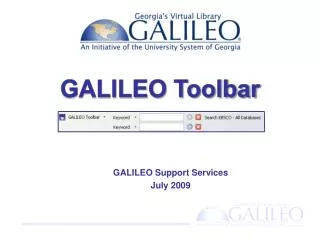
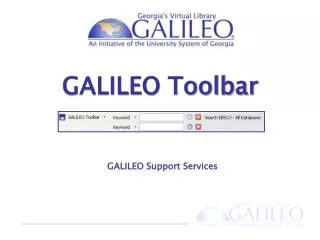
The GALILEO Toolbar is a powerful tool designed to assist users in accessing a wide range of academic resources and databases directly from their web browser. Users can search for journals, magazines, and library catalogs faster and more efficiently. The toolbar offers a right-click menu for quick access to searches, and users can customize settings according to their preferences. For support or to request changes, visit our FAQ or contact us. Maximize your research potential with the GALILEO Toolbar today!

Enhance Your Research with the GALILEO Toolbar
E N D
Presentation Transcript
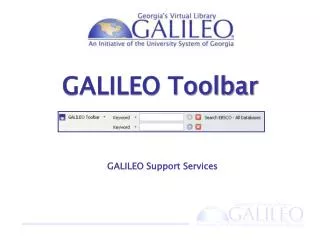
GALILEO Toolbar GALILEO Support Services
Search from the Toolbar Search databases directly from the toolbar
Search from the Toolbar Search for journals and magazines
Search from the Toolbar Search in your library catalog
Searches for Different Consortia K-12 Searches Public Library Searches
Link Directly to Key Resources Go directly to popular GALILEO databases
Links for Different Consortia K-12 Links Public Library Links
Right-Click Menu Highlight any text and right-click it to search
Right-Click Menu Highlight any text and right click it to search
Right-Click Menu Right click titles or author names to check your library catalog
Right-Click Menu Right click an ISBN or ISSN to search for it
Authenticate via Proxy Before you pay, right click to send link through the GAILLEO proxy. Your institution may have already paid for the full text.
Change Your Preferences Change LibX preferences for toolbar features
Customizations • Request changes for: • links • searches
Resources for You See the GALILEO Toolbar scope screen for resources and links to informational FAQs
Thank you! Contact Us http://www.galileo.usg.edu helpdesk@usg.edu