
SlideServe
Menu
Préférences
© SlideServe · v2026

Loops/Iteration

danielfoster avatar
10 diapositives · 202 Views · Jan 06, 2020

Learn about loops in programming, including the three flavors - for, while, and do/while. Discover when to use each loop and practice writing your own loops to solve problems.
Loops/Iteration - slide 1
01 / 10Loops/Iteration
1 / 17

Télécharger la présentation

Loops/Iteration
Une image / un lien ci-dessous est fourni (tel quel) pour télécharger la présentation

Politique de téléchargement : le contenu du site vous est fourni TEL QUEL pour votre information et votre usage personnel ; il ne peut être vendu, concédé sous licence ni partagé sur d’autres sites sans l’accord de son auteur.Le contenu vous est fourni TEL QUEL, pour votre information et votre usage personnel uniquement. Téléchargez la présentation en cliquant sur ce lien. Lors du téléchargement, si vous ne parvenez pas à télécharger une présentation, l’éditeur a peut-être supprimé le fichier de son serveur.Pendant le téléchargement, si vous ne parvenez pas à obtenir une présentation, le fichier a peut-être été supprimé par l’éditeur.

F I N

Plus de contenu associé

Transcription de la présentation
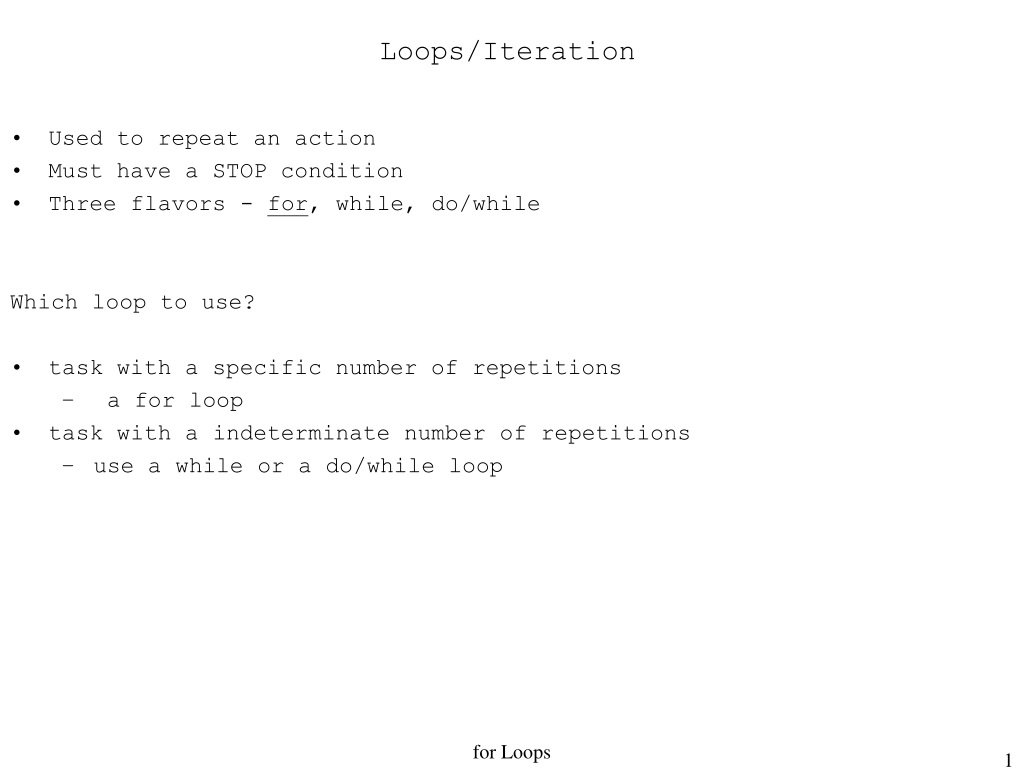
  1. Loops/Iteration • Used to repeat an action • Must have a STOP condition • Three flavors - for, while, do/while Which loop to use? • task with a specific number of repetitions • a for loop • task with a indeterminate number of repetitions • use a while or a do/while loop for Loops

  2. while loop review when is the test checked - after the body has finished executing or is it checked continuously ? int n = 9; while (n >= 0) { n -= 3; System.out.println(“A: “ + n ); n -= 2; System.out.println(“B: “ + n ); } reminder -- The test is a “keep going” condition. Enter or do the loop again when the test is true. for Loops

  3. test ? loop body Anatomy of a for loop init • 1 exec the init • 2 exec the test • 3 when the test is true • exec the body • exec the update • go back to step 2 • 3 when the test is false • exit the loop int cnt; for (cnt = 5; cnt <= 13; cnt += 3) { System.out.print(“*“); } System.out.println(“done“); update stmt following loop for Loops

  4. for loop practicewhat’s the output? for (int n = 13; n < 19; n += 2) { System.out.print(“*“); } for (int a = 13; a >= 19; a += 2) { System.out.print(“*“); } for (int n = 32; n >= 19; n -= 3) { System.out.print(“*“); } for Loops

  5. for loop practice for (int k = 12; k > 4; k -= 3 ) { if (k % 2 == 0) System.out.print(“foo“); else System.out.print(“bar“); } for Loops

  6. Nested for loops ALWAYS use different for loop variables (i & j in this example) for nested loops int i,j; for ( i=0; i <= 5; ++i ) { for (j=0; j <= 3; ++j ) { System.out.print( “i: ” + i + “, j: “ + j"; } System.out.println(); } System.out.print(“After loops i= “ + i + “, j= “ + j ); // Why did we declare i and j outside (before) the loops? for Loops

  7. A more complicated nested loop example int a,b; for (a = 50; a <= 54; ++a ) { System.out.println(“Start\n“); for (b = a + 10; b <= 63; b ++ ) { System.out.println( a + “ “ + b); } System.out.println(“end”); } System.out.println(“After loops a= “ + a + “, b= “ + b ); for Loops

  8. How to write your own loop Sample problem statement: add numbers obtained from the user until the sum of the numbers exceeds 1000 dollars. Count the number of inputs (numbers) provided by the user. • determine what variables will be needed - you may not think of them all at first, but this is a good place to start • think of names for your variables. The more descriptive the names are the easier your program will be to understand. • a variable to hold the running total (sum) • a variable to count the number of inputs (count) • a variable to read the user’s numbers into (number) for Loops

  9. How to write your own loop (con’t) • decide when the loop will end • terminate when the sum > 1000 • negate the terminating condition to form the keep-going condition needed by your loop • sum <= 1000 • determine the kind of loop to use • use for loop for counting operations • use while loop for indeterminate situations • set up your loop, plugging in the keep-going condition while (sum <= 1000) { } for Loops

  10. How to write your own loop (con’t) • what needs to happen before the loops starts? • initialize sum to 0 • initialize count to 0 • initialize number? • what goes in the loop? • what needs to be done multiple times? • prompt for and read a number from user • add number to sum • increment counter • what should happen after the loop? • report the info int count = 0; sum = 0; while (sum <= 1000) { System.out.print(“Number please: “); int n= kbd.nextInt(); sum += n; ++count; } System.out.println(“sum:“ + sum ); System.out.println(“User entered “ + count + “ numbers “); for Loops