Accessing DRC Simulation for Literature Reporting Tools
Learn how to log into the DRC eDIRECT system to utilize the CDT Reporting Tools for Literature. After accessing the system with your credentials, navigate to the Reporting Tools section and select the appropriate diagnostic map for analyzing student performance in Literacy and Literature. Gain insights from the Group Diagnostic Map to examine overall scores, individual student performance, and results over time. Use these tools to identify materials and resources tailored for your students’ needs, and optimize your instructional design accordingly.

Accessing DRC Simulation for Literature Reporting Tools
E N D
Presentation Transcript
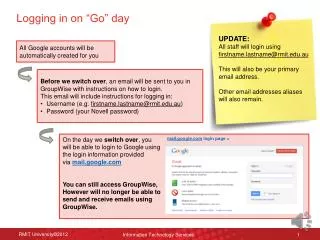
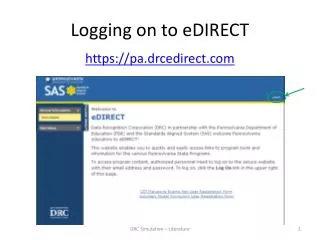
Logging on to eDIRECT https://pa.drcedirect.com DRC Simulation – Literature
Logging on to eDIRECT Email Address: demoteacher2@drc-mn.com Password: Simulation1
You are now able to use the CDT Reporting Tools and the simulation Select Reporting Tools and then Interactive Reports
Select DRC Simulation – Literature – Test Event 1 from the Student Group dropdown menu. Next select Literacy from the Content Area dropdown menu and Literature from the Map Configuration dropdown menu.
Select individual students to see their corresponding dots in each column.
Analysis of Materials and Resources Dot selected
Now open DRC Simulation Literature • Go to the Student Group dropdown menu and select DRC Simulation Literature • Next, click on the Show Maps button The resulting Diagnostic Map represents student scores at the end of Literature course instruction.
Focus on the Interpretation/Analysis Literary Elements & Devices Category
Results Over Time – Interpretation/Analysis Literary Elements & Devices