Automated Light Sensor Flowchart for Robotic Arm Operations
30 likes | 208 Vues
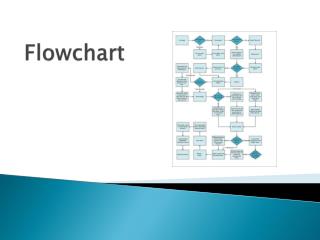
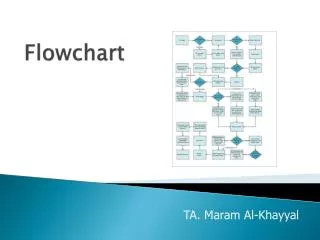
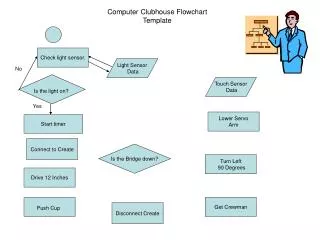
This flowchart outlines an automated process controlled by a light sensor and touch sensor. When the light sensor detects light ("Is the light on?"), the system responds by lowering a servo arm and starting a timer. If the touch sensor indicates an obstacle ("Is the bridge down?"), the robot turns left 90 degrees, drives forward 12 inches to push a cup, and then disconnects. This streamlined operation is useful for robotics and automation tasks, enhancing efficiency in handling objects.


Automated Light Sensor Flowchart for Robotic Arm Operations
E N D
Presentation Transcript
Computer Clubhouse FlowchartTemplate Check light sensor. Light Sensor Data No Is the light on? Touch Sensor Data Yes Lower Servo Arm Start timer Connect to Create Is the Bridge down? Turn Left 90 Degrees Drive 12 Inches Push Cup Get Crewman Disconnect Create