
SlideServe
Menu
Préférences
© SlideServe · v2026

VPS-HD Video Presentation System

drum avatar
11 diapositives · 160 Views · Oct 19, 2019

Enhance your presentations with the VPS-HD Video Presentation System featuring smooth HD video/audio playback, 4-1 split screen projection, WiFi support, and more. Easily manage settings and control multiple devices for efficient conferences. Download the WiFi-Doc app for iOS/Android to present doc, ppt, pdf, jpg files stored on your device. Enjoy high-quality performance with HDMI output and the ability to project on virtual screens. Manage up to 64 users with the efficient conference control features. Trust in SINEW TECH for advanced functions and user-friendly SNMP manager.
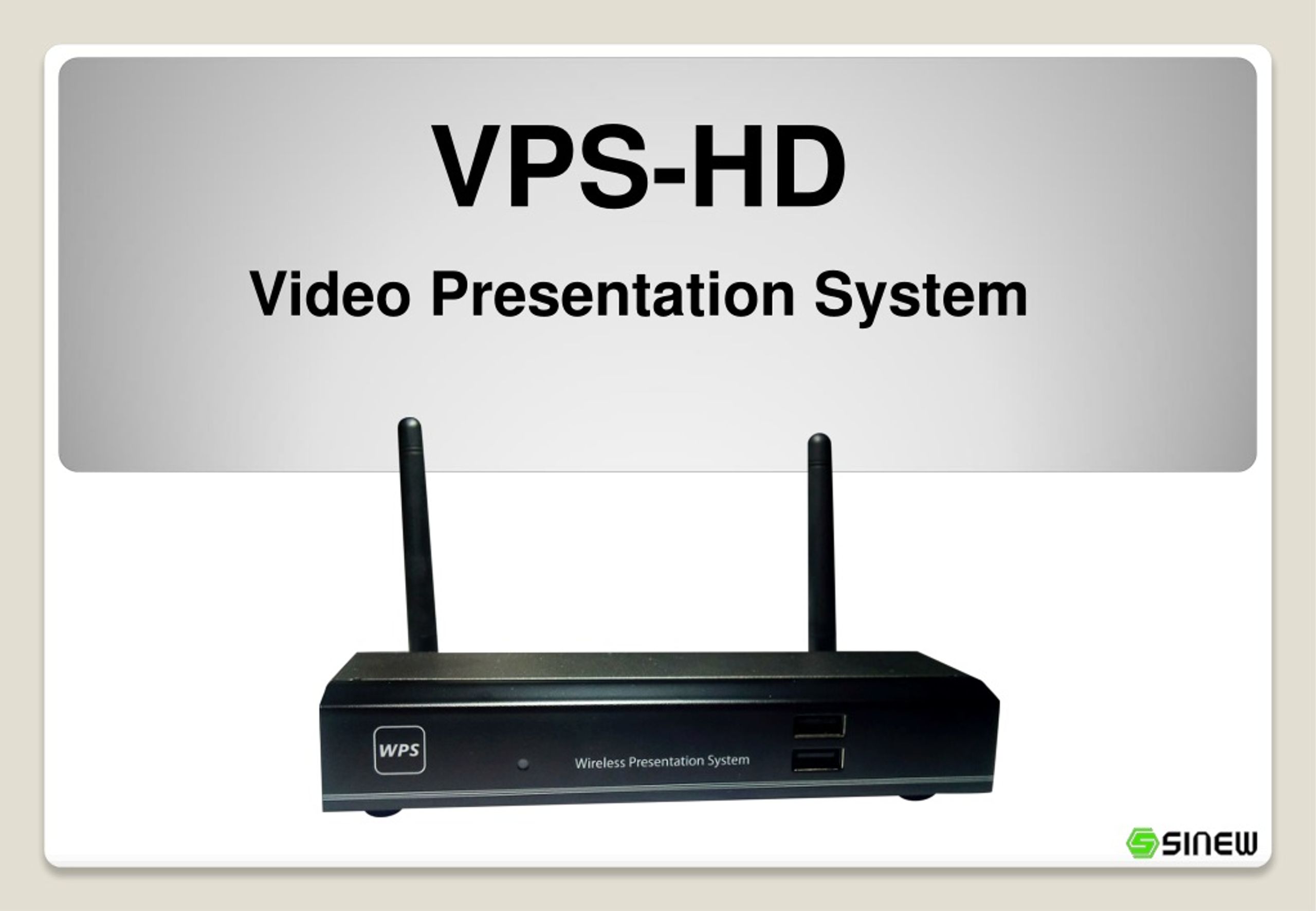
VPS-HD Video Presentation System - slide 1
01 / 11VPS-HD Video Presentation System
1 / 17

Télécharger la présentation

VPS-HD Video Presentation System
Une image / un lien ci-dessous est fourni (tel quel) pour télécharger la présentation

Politique de téléchargement : le contenu du site vous est fourni TEL QUEL pour votre information et votre usage personnel ; il ne peut être vendu, concédé sous licence ni partagé sur d’autres sites sans l’accord de son auteur.Le contenu vous est fourni TEL QUEL, pour votre information et votre usage personnel uniquement. Téléchargez la présentation en cliquant sur ce lien. Lors du téléchargement, si vous ne parvenez pas à télécharger une présentation, l’éditeur a peut-être supprimé le fichier de son serveur.Pendant le téléchargement, si vous ne parvenez pas à obtenir une présentation, le fichier a peut-être été supprimé par l’éditeur.

F I N

Plus de contenu associé

Transcription de la présentation
  1. VPS-HD Video Presentation System

  2. WiFi-Doc projection WPS supports WiFi-Doc function for iOS/Android, You can download the WiFi-Doc app from Google/Play, App store, and easy to present the .doc .ppt .pdf .jpg file that stored in your device. • Smooth HD Video/Audio Play Support up to 720p HD video through HDMI output and play smoothly with audio. • Virtual Screen Projection Support virtual screen extension that user can project certain data without showing his own desktop. • 4-1 Split Screen Projection Allow maximum 4 users to project on the same screen at the same time. • WiFi AP-Client Function Able to join the existing WiFi Access Point so user can do wireless projection and internet surfing simultaneously. • WiFi-Doc projection Manage and configure multiple VPS devices settings via webpage without log- in the system. Features 信業科技 SINEW TECH

  3. 4-1 Split Screen Projection: Allow 4 NB to project on 1 screen. • Conference Management: Master can total-control other client’s projection. • SNMP Manager: Able to manage multiple VPS units from one control interface. • Projection Quality Select: Able to choose high image quality projection or speed projection. Login Code Functions Split screen projection Speed Mode 信業科技 SINEW TECH Advanced Functions

  4. 1. Plugin a PnS-Token to a USB port of your NB/PC PnS Token (Flash Disk) • Instantly projection to make conference go smoothly and efficiently. • Allow multiple users linking to VPS at the same time. 3. Ready for presentation 2. Auto-run driver Plug & Play Instant Projection 信業科技 SINEW TECH

  5. Able to project HD picture and video for high quality performance. • Fast projection speed which can reach 25-30fps. HDMI High Quality Performance 信業科技 SINEW TECH

  6. Projecting 4 real-time images onto one screen • Able to choose which place to project on the screen. • Auto-scale to fit the screen. 4-1 Split Screen Projection 信業科技 SINEW TECH

  7. Total-Control presentation from the web-based interface. • Master can review online user list and control client’s projection. • Support up to 64 users (logged in users) Login Page for Conference Control Efficient Conference Control Conference Control 信業科技 SINEW TECH

  8. Virtual Desktop Extension • Support normal screen projection and virtual desktop projection. Tradition screen capture: Virtual desktop projection: Only project extended screen *VDD installation is required. Please install the program from USB token. 信業科技 SINEW TECH

  9. WiFi-Doc projection WPS supports WiFi-Doc function for iOS/Android, You can download the WiFi-Doc app from Google/Play, App store, and easy to present the .doc .ppt .pdf .jpg file that stored in your device. 信業科技 SINEW TECH

  10. Able to manage multiple VPS units by user-friendly SNMP manager. Multiple Devices Integrated Management 信業科技 SINEW TECH

  11. Specification 信業科技 SINEW TECH