
SlideServe
Menu
Préférences
© SlideServe · v2026

Webinar Instructions

dyami avatar
18 diapositives · 313 Views · Sep 09, 2014

Join us for an informative webinar focused on upcoming changes to the Individualized Family Service Plan (IFSP). We will cover the review section, important updates, and provide a platform for Q&A to clarify your doubts. Key topics include the review process, service changes, and transition activities. To participate effectively, we highly recommend using a landline for optimal audio quality. Follow the instructions for dialing in, muting, and unmuting. Don’t miss the chance to have your questions addressed by our expert panel!
Webinar Instructions - slide 1
01 / 18Webinar Instructions
1 / 17

Télécharger la présentation

Webinar Instructions
Une image / un lien ci-dessous est fourni (tel quel) pour télécharger la présentation

Politique de téléchargement : le contenu du site vous est fourni TEL QUEL pour votre information et votre usage personnel ; il ne peut être vendu, concédé sous licence ni partagé sur d’autres sites sans l’accord de son auteur.Le contenu vous est fourni TEL QUEL, pour votre information et votre usage personnel uniquement. Téléchargez la présentation en cliquant sur ce lien. Lors du téléchargement, si vous ne parvenez pas à télécharger une présentation, l’éditeur a peut-être supprimé le fichier de son serveur.Pendant le téléchargement, si vous ne parvenez pas à obtenir une présentation, le fichier a peut-être été supprimé par l’éditeur.

F I N

Plus de contenu associé

Transcription de la présentation
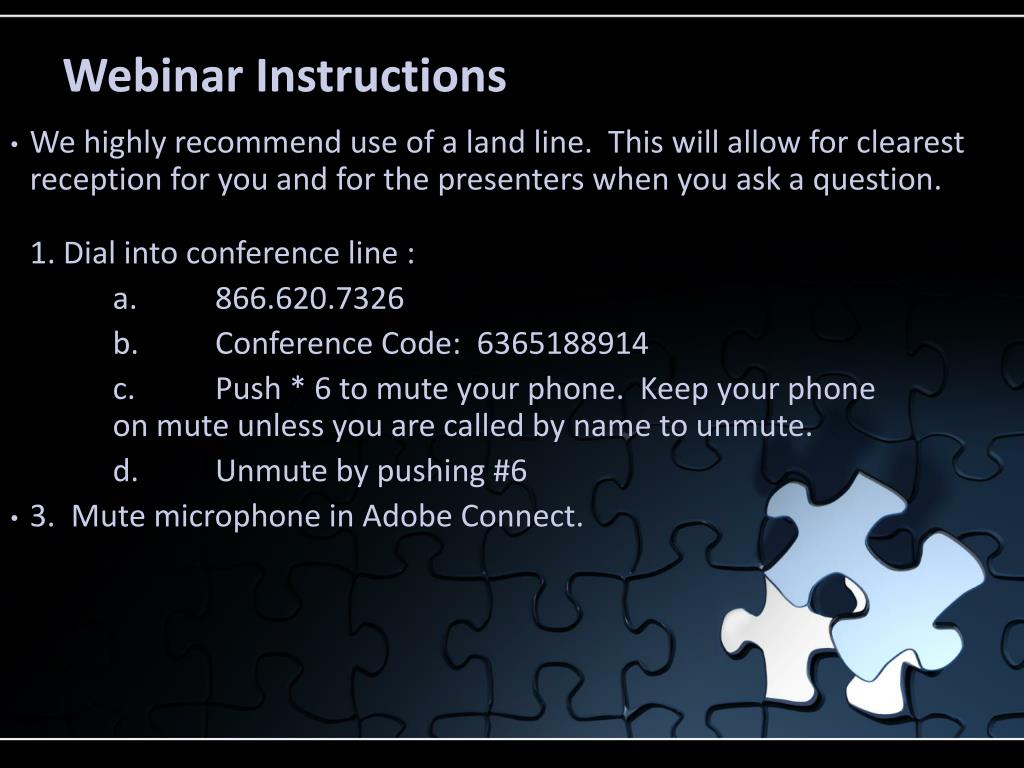
  1. Webinar Instructions • We highly recommend use of a land line.  This will allow for clearest reception for you and for the presenters when you ask a question. 1. Dial into conference line : a. 866.620.7326 b. Conference Code:  6365188914 c. Push * 6 to mute your phone.  Keep your phone on mute unless you are called by name to unmute. d. Unmute by pushing #6  • 3.  Mute microphone in Adobe Connect. 

  2. Puzzled by the IFSP Changes? IFSP Q & A A chance to get some questions answered!

  3. Agenda Q & A Instructions Overview of Review Section Update on changes coming to IFSP form Q& A session

  4. Review Section OF IFSP

  5. Review Section of IFSP Important Things to Remember • Review portion is a section. • Pages 18-20 are done together • Whenever the review section is done, there should be an accompanying Prior Written Notice indicating the review is happening. • Parents can always sign the 10-day waiver if they want to proceed.

  6. Review Section of IFSP Important Things to Remember • Reviews are done at least every 6 months according to IDEA • Change to services: Any changes in services, provider, frequency, or method. • Change to outcomes: Whenever changing, adding or deleting an outcome • Transition activities: Transition plan or transition conference

  7. Review Section of IFSP Important Things to Remember • Reviews are done at least every 6 months according to IDEA • Reviews can happen more frequently than 6 months but can not less often. • If an outcome needs changed at the 4 month mark, another review is not required until month 10 of the IFSP (6 months after that review to change the outcome) • Database is being changed to capture the sixth month review date from the most recent review.

  8. Image Removed

  9. Upcoming Changes to IFSP Form Image Removed.

  10. Upcoming Changes to IFSP Form These changes will be posted to website ASAP. • Page 1, Field 24-26 will be deleted. This information will be required in the ITS database. • Page 1, A New Field now #29, will be added to report initial IFSP date • A New Field now # 34 & 35, will be added to mark whether the child is transferring, and a date for when the former IFSP was accepted by your tiny-k program • Page 3, Field 1, will read, Primary Care Provider/Medical Home • Page 8, Field 3, removing entire box. These items will be required in data base.

  11. Image removed. QQuestions and Answers

  12. Instructions for the Q and A Portion • If you have a question, submit it in the chat box. Questions will be answered in the order in which they are received. •  When your question is selected, your name will be called and the question restated. You can clarify if needed.  • You will be asked if you have any follow up questions. • If, as a listener, you desire clarification to any question, ask for that clarification by typing your new question into the chat box. If you are not asked to unmute, please do not do so. 

  13. Your Panel Vera Stroup-Rentier Sarah Walters Peggy Miksch Kelly Jorgensen

  14. Image removed.

  15. Image removed.

  16. Image removed.