Understanding How the Web Works: A Beginner's Guide
80 likes | 226 Vues
Dive into the fundamentals of the web with this informative guide. Learn about hypertext, hyperlinks, and the client-server model that underlies web interactions. Discover the role of web browsers like Netscape and Internet Explorer in accessing HTML content. Understand how URLs work as unique addresses for web pages and how to navigate efficiently using back buttons and bookmarks. This resource provides essential insights for beginners eager to explore the vast network of electronic files that make up the World Wide Web.


Understanding How the Web Works: A Beginner's Guide
E N D
Presentation Transcript
How the Web Works Jenny Burson Courtesy of About Internet for Beginners Learn the Web http://www.learnthenet.com/english/html/00start.html
How the Web Works • Hypertext • Word(s) or graphic • underlined and in color
How the Web Works • To return to the previous page • click on the Back button • Hold the back button down for history • Jump to previous location
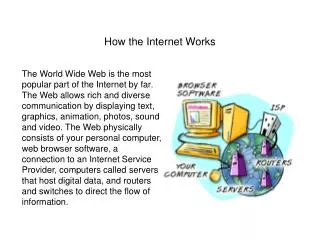
How the Web Works • The Web is client-server system • your computer = client • remote computers with electronic files = servers
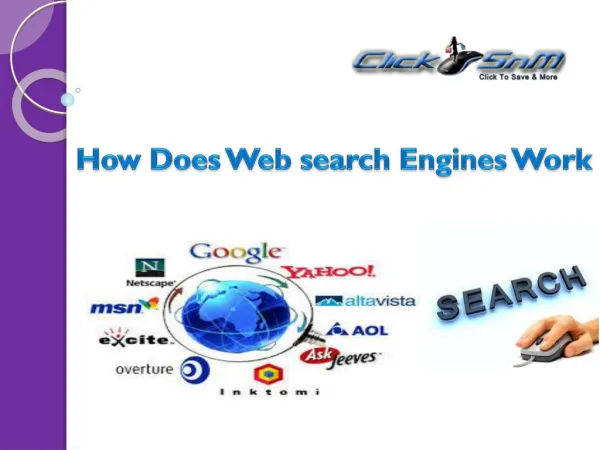
How the Web Works • Glue = hyperlinks • To access web need web browser • Netscape or Internet Explorer • Browsers read Hypertext Markup Language or HTML
How the Web Works • Web page has a unique address = URL (Uniform Resource Locator) • identifies its location on network • home page = starting point of a website.
How the Web Works • WWW = network of electronic files stored on computers all around the world • Place a URL in Location bar of web browser • Avoid errors keep Bookmarks or Favorites Internet Explorer Netscape
How the Web Works • For more detailed information: http://www.learnthenet.com/english/section/www.html