Advanced Image Filtering Techniques Using MATLAB: Mean and Edge Detection
This tutorial covers various image processing techniques in MATLAB, focusing on mean filtering and edge detection. It demonstrates how to produce average-filtered images using 9x9 and 25x25 filters, apply Gaussian low-pass filtering with adjustable parameters, and incorporate noise for realistic image processing. The guide also includes methods for noise cleaning, such as removing salt-and-pepper noise, and unsharp masking using Sobel filters. Additionally, it explores edge detection techniques, specifically utilizing the Canny detector and Prewitt operator on sample images.

Advanced Image Filtering Techniques Using MATLAB: Mean and Edge Detection
E N D
Presentation Transcript
Laboratory of Image Processing Pier Luigi Mazzeo pierluigi.mazzeo@cnr.it July 23, 2014
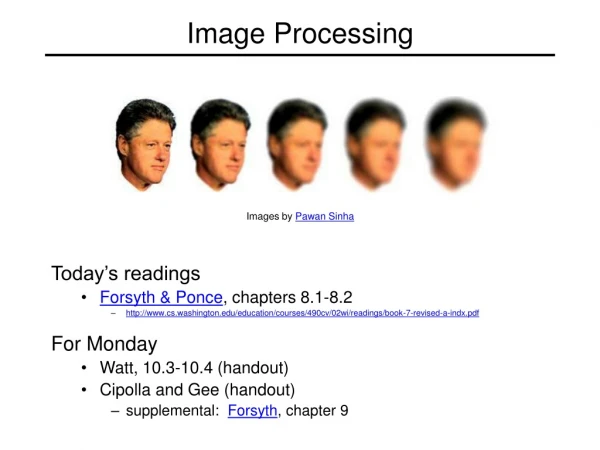
fspecial (low pass filters) Produce an Averagefiltering image using 9x9 filter and a 25x25 filter
fspecial (low pass filters) >> hsize = 10; >> sigma = 5; >> h = fspecial(‘gaussian’ hsize, sigma); >> mesh(h); >> imagesc(h); >> outim = imfilter(c, h); >> imshow(outim);
fspecial (low pass filters) for sigma=1:3:10 h = fspecial('gaussian‘, fsize, sigma); out = imfilter(c, h); imshow(out); pause; end
Noise >> noise = randn(size(c)).*sigma; >> output = c+ noise; Periodicnoise
Unsharpmasking >> My = fspecial(‘sobel’); >> outim = imfilter(double(c), My); >> imagesc(outim); >> colormap gray; Find the image ‘pelicans.tif’ from internet and use u filter
Cannyedge detector MATLAB: edge(c, ‘canny’); >>help edge I = imread('circuit.tif'); BW1 = edge(I,'prewitt'); BW2 = edge(I,'canny'); figure, imshow(BW1) figure, imshow(BW2)