Virtual Manipulatives Exploration
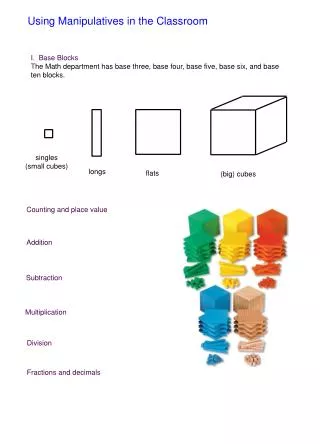
This interactive applet allows students to explore subtraction through a virtual representation of base blocks, enhancing their understanding of place value. Students drag blue blocks to model subtraction problems with negative red blocks, visually demonstrating how numbers interact. The applet supports different shapes for each place value and enables random or self-generated problem solving. To ensure effective learning, it is recommended that students first grasp number representation with physical blocks before using this tool, which serves as a useful alternative.

Virtual Manipulatives Exploration
E N D
Presentation Transcript
Virtual Manipulatives Exploration Ryan Contreras Shari Wood Lacy Zapata
Number and OperationsGrades Pre-K – 2Base blocks subtraction • Student drags base blocks to model subtraction problems. • This applet encourages understanding of place value by seperating the sets of ten into singles. • Increases understanding of subtraction. • The applet has different shapes for each place value which consist of units, longs, flats, and blocks.
The positive number 28 is represented in blue. The negative number 9 is represented in red. When you open the applet, it gives you a subtraction problem.
Drag blue blocks to eliminate red ones. Blocks disappear as you combine red and blue. It is also possible to drag red blocks to cancel blue ones.
Drag blue blocks to separate. Drag blocks to move them. Blocks separate into individuals in the ones place. To group the blocks, click and hold the mouse and drag the rectangle around to “lasso” the blocks.
You can now complete the problem. Note how the problem now shows you have “borrowed” from the 10s column.
Random generation or self generation or problems • Also: • -Change bases to 2, 3, 4, 5, or 10 • Addition • Decimal places to 3 places The answer is 19 which can also be seen with the base 10 blocks.
Evaluative Analysis • Make sure your students understand how to accurately represent numbers with base blocks before allowing them to use this applet or they won’t really understand why they are moving the blocks around. • Using actual hands-on base blocks is more useful, but if that is not an option this is a great tool.