Download
1 / 12
120 likes | 256 Vues
Creating a Works Cited page doesn't have to be complicated! This guide offers clear steps for organizing and formatting your citations. With MLA formatting tips—such as double-spacing, using 12 pt Times New Roman font, and properly italicizing titles—you’ll ensure your resources are presented accurately. Remember to always attribute credit to the original authors. For the easiest experience, utilize EasyBib.com to manage your references efficiently. Follow these guidelines to ensure your Works Cited page is both professional and complete.

E N D
The Works Cited Page Made Simple!!!
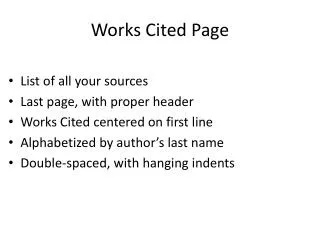
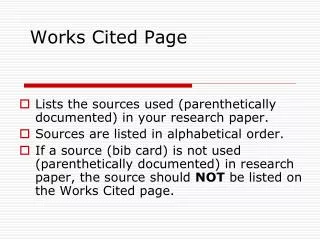
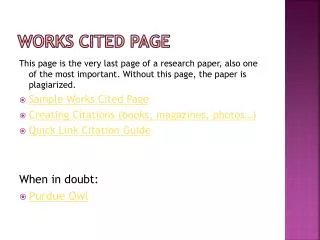
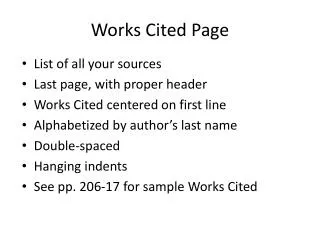
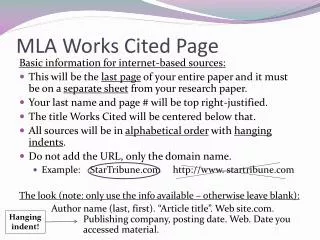
Works Cited • Records all of the resources used in a text. • Helps to give CREDIT to the authors of the resources.
MLA Formatting • Double Space EVERYTHING • 12 pt Times New Roman • Articles in “” • Website Titles underlined OR italicized • Organized Alphabetically
EasyBib.com • Is your BEST FRIEND.