Enhance Collaboration with Google Docs: Your Ultimate Guide to Digital Tools
50 likes | 172 Vues
Explore the capabilities of Google Docs, a versatile tool that simplifies writing and collaboration. Learn how it enables real-time collaboration, automatic saving, and seamless access from any internet-connected device. Discover its uses in educational settings, business environments, and personal projects. This guide highlights the benefits of integrating Google Docs with other Google services like Drive, plus tips for maximizing productivity without the hassle of file conversions. Transform your workflow with Google Docs today!


Enhance Collaboration with Google Docs: Your Ultimate Guide to Digital Tools
E N D
Presentation Transcript
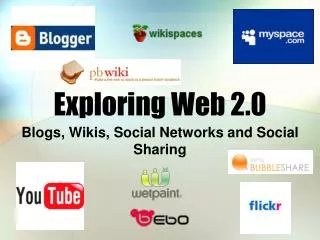
Web Tools Exploring Your Digital Toolbox -Leanna Mullen
What is Google Docs? Links to YouTube Commercial
Google Drive Document - Word/Pages | Presentation - PowerPoint/Keynote | Spreadsheet - Excel/Numbers
Important Points • Real Time Collaboration • No Conversion • Constantly Saves • Available Anywhere with Internet Connection Share and Collaborate with Google Docs
Reasons for Uses • Education Setting! (Google Apps for Education #GAFE) • Business Collaboration • Personal Use