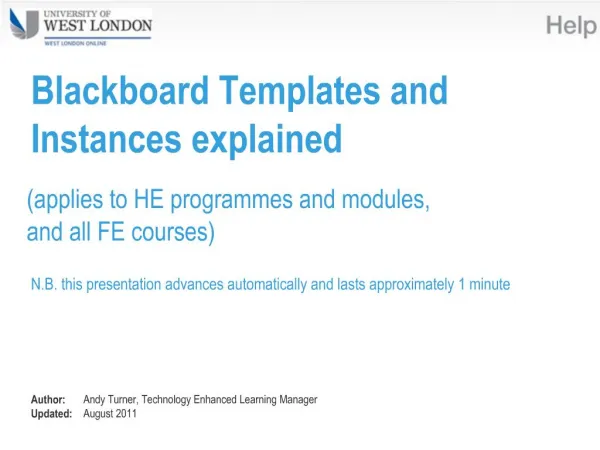
Blackboard Templates and Instances explained
70 likes | 212 Vues
This presentation provides a concise overview of Blackboard templates and instances used for all Higher Education (HE) and Further Education (FE) courses and modules. It explains the process of staff enrollment, course preparation, and the automatic enrollment of students from the Unit-e student records system. Learn how staff can efficiently upload teaching materials and communicate with students in the new semester using the Template system. This automated process ensures a smooth transition between course offerings. For further assistance, visit our blended learning support site.


Blackboard Templates and Instances explained
E N D
Presentation Transcript
Blackboard Templates and Instances explained (applies to all HE and FE courses and modules) N.B. this presentation advances automatically and lasts approximately 1 minute Author: Andy Turner, VLE Manager Updated: July 2014
Templateincludes staff enrolments – but no students.Staff upload teaching & learning materials here in preparation for the next semester. 2 weeks before the new course or module begins: everything is copied from the Template to the new Blackboard course CourseABC_Template CourseABC_22-SEP-14_16-JAN-15 Semester 1 moduleStaff use this Blackboard course to communicate with, and deliver teaching & learning materials to the new cohort of students. studentenrolments are drawn in automatically each night from Unit-e (student records system) Unit-e
Templateincludes staff enrolments – but no students.Staff upload teaching & learning materials here in preparation for the next semester 2 weeks before thenew course or module begins: everything is copied from the Template to the new Blackboard course. CourseABC_Template CourseABC_22-SEP-14_16-JAN-15 Semester 1 module CourseABC_26-JAN-15_22-MAY-15 Semester 2 moduleStaff use this Blackboard course to communicate with, and deliver teaching & learning materials to the new cohort of students studentenrolments are drawn in automatically each night from Unit-e (student records system) Unit-e
Need more information? • see Open Door, the staff blended learning support site at http://opendoor.uwl.ac.uk • contact itservicedesk@uwl.ac.uk