
SlideServe
Menu
Préférences
© SlideServe · v2026

Graphing Calculators

geona avatar
9 diapositives · 629 Views · Aug 04, 2014

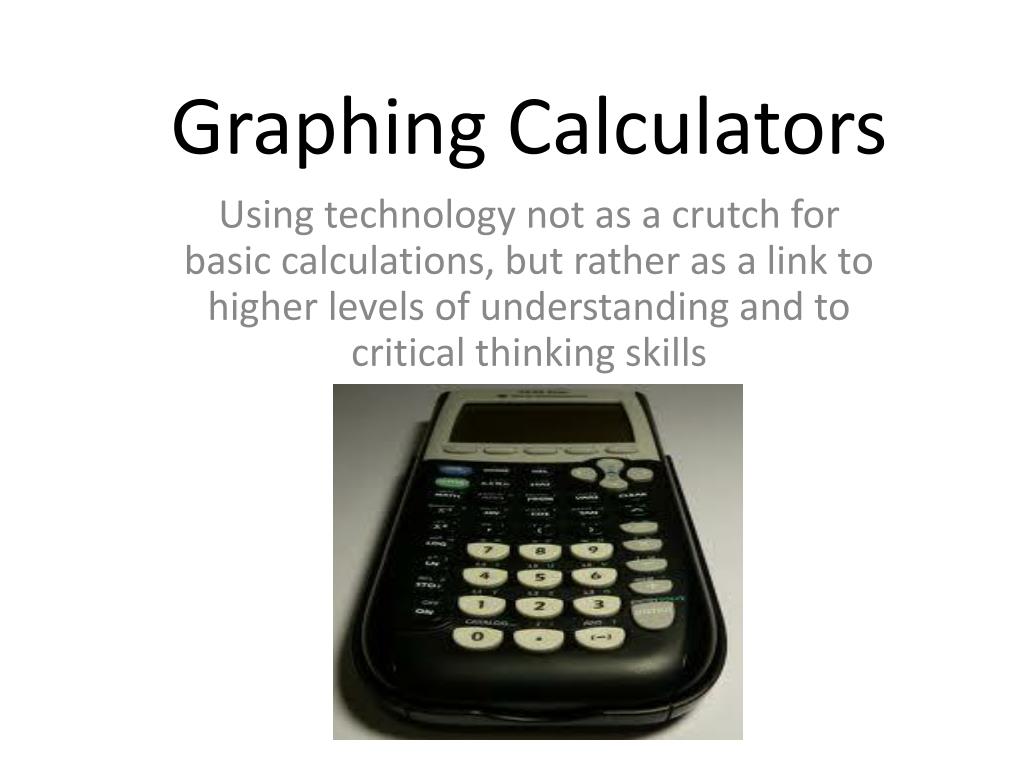
Graphing Calculators. Using technology not as a crutch for basic calculations, but rather as a link to higher levels of understanding and to critical thinking skills. The Benefits of Using Graphing Calculators .
Graphing Calculators - slide 1
01 / 9Graphing Calculators
1 / 17

Télécharger la présentation

Graphing Calculators
Une image / un lien ci-dessous est fourni (tel quel) pour télécharger la présentation

Politique de téléchargement : le contenu du site vous est fourni TEL QUEL pour votre information et votre usage personnel ; il ne peut être vendu, concédé sous licence ni partagé sur d’autres sites sans l’accord de son auteur.Le contenu vous est fourni TEL QUEL, pour votre information et votre usage personnel uniquement. Téléchargez la présentation en cliquant sur ce lien. Lors du téléchargement, si vous ne parvenez pas à télécharger une présentation, l’éditeur a peut-être supprimé le fichier de son serveur.Pendant le téléchargement, si vous ne parvenez pas à obtenir une présentation, le fichier a peut-être été supprimé par l’éditeur.

F I N

Plus de contenu associé

Transcription de la présentation
  1. Graphing Calculators Using technology not as a crutch for basic calculations, but rather as a link to higher levels of understanding and to critical thinking skills

  2. The Benefits of Using Graphing Calculators • Minnesota state standards require 8th graders to be introduced to such topics as algebra and statistics. • Without bogging students down with complicated formulas and tedious construction of graphs by hand, the important mathematical concepts can be taught, rather than the potentially confusing computations. • In a world saturated in technology, it is good for students to work with high-tech devices.

  3. The “Dangers” of Using Calculators in the Classroom • Students may become calculator dependent; unable to do simple math without a calculator • Students may become “button pushing monkeys” • Not stimulated by the math problems presented • Trusting whatever the calculator states, which presents a problem if they cannot tell when they have entered information incorrectly. • Using, but not understanding, the foundations of the formulas they have been taught

  4. How to Avoid The Dangers and Enjoy the Benefits • Teacher’s should create math problems that go beyond basic computation. • Teachers should provide guided discovery of a rules and formulas, rather than giving students a jumble of letters and symbols to try to memorize. • Teachers should remind students that calculators are precision machines • you must type information in correctly to get the right answer. The order of operations becomes crucial. • Use estimation to guess what the answer will be. If the answer you get is far away from the guess, it’s a tip you typed something in wrong.

  5. A Few Specific Benefits of TI-84 • Graphing • TI-84 allows you to enter in a formula, or several formulas, and graph them quickly and accurately • Statistics • TI-84 allows you to enter lists of numbers and then find the mean, maximum, minimum, standard deviation, sum, and more all with a few presses of the button. In today’s media, it is very common to see a chart or to hear statistical figures used to support a claim. Why not help to students understand and be comfortable gaining knowledge from these common-place presentations of information and data?

  6. Graphing with the TI-84 • It is difficult to make an accurate graph by hand, especially if you’re not graphing straight lines. • With the TI-84, you can • make several graphs in a matter of seconds, change the equations to get a whole new set of graphs easily. • Zoom-in and zoom-out. • By a pressing of a few buttons, you can learn precisely where the intersections occur, rather than using algebra or (worse) eye-balling it. Finding the intersection of two equations (start at 0:32)

  7. 68/95/99 % rule: t: population standard deviation unknown, use sample standard deviation Statistics with the TI-84 • In statistics, we use many complex formulas. Some are almost impossible to do by hand. If the data list is long, they take a long time to do even with a scientific calculator. • The TI-84 does the tedious computations for you and lets you move on to interpreting the information – which is really the skill we want students practicing and mastering. YouTube - TI 84 Finding One Variable Statistics (start at 0:21)

  8. To Sum it all up (pardon the pun) • Calculators are an important technological tool to include in the math classroom • Teachers need to create scenarios where calculators will be used effectively and where critical thinking, not just basic computation is needed to find the answers. • The TI-84, with its graphing and stats features can help teach students to interpret charts and statistical figures that they frequently see in daily media. • The TI-84 can do a lot! Don’t treat it like a mere substitute for paper and pencil.

  9. Sources • National Council for Teachers of Mathematics. (2008). The technology principle. Principles and Standards of School Mathematics (pp. 24-27). NCTM. • Texas Instruments. (2009). Getting Started with the TI-84. (2009). TI-84 instruction manual. Appleton, WI: National Graphic Solutions. • Davis, R.W. (Producer). (2009). Ti 84 finding one variable statistics. [Web-based video]. Retrieved from http://www.youtube.com/watch?v=UHpGzGGalx0 • TechPoweredMath. (Producer). (2010). Lesson: finding the intersection of two graphs on a TI-84. [Web-based video]. Retrieved from http://www.youtube.com/watch?v=u26O2uJ1uNg