Create Stunning GIF Animations: A Step-by-Step Guide
Discover the art of GIF animation by exploring how to create captivating moving images using Photoshop and specialized software. Learn the fundamental techniques to display a series of still frames at a chosen rate, creating the illusion of motion. This guide includes links to valuable resources, including tutorials on moving banners and image fading effects. Whether you’re a beginner or looking to refine your skills, this comprehensive overview will set you on the path to producing impressive GIF animations.

Create Stunning GIF Animations: A Step-by-Step Guide
E N D
Presentation Transcript
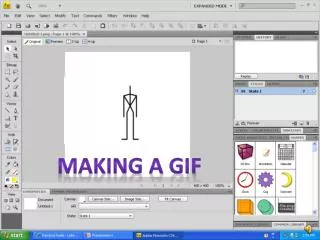
Frame Animation • Displays a series of still images, or frames, at a certain rate to give the impression of motion. • Can be created with Photoshop and special GIF animation software.
Moving Banner http://www.youtube.com/watch?v=bb0GOskGFPc Images Fade http://www.youtube.com/watch?v=bZiiMwhhmmY More Techniques http://www.youtube.com/watch?v=9lF6w7LwpFI