

SlideServe
Menu
Préférences
© SlideServe · v2026

PowerPoint to flash

guest837 avatar
11 diapositives · 733 Views · Mar 27, 2009

My presentation about

PowerPoint to flash - slide 1
01 / 11PowerPoint to flash
1 / 17

Télécharger la présentation

PowerPoint to flash
Une image / un lien ci-dessous est fourni (tel quel) pour télécharger la présentation

Politique de téléchargement : le contenu du site vous est fourni TEL QUEL pour votre information et votre usage personnel ; il ne peut être vendu, concédé sous licence ni partagé sur d’autres sites sans l’accord de son auteur.Le contenu vous est fourni TEL QUEL, pour votre information et votre usage personnel uniquement. Téléchargez la présentation en cliquant sur ce lien. Lors du téléchargement, si vous ne parvenez pas à télécharger une présentation, l’éditeur a peut-être supprimé le fichier de son serveur.Pendant le téléchargement, si vous ne parvenez pas à obtenir une présentation, le fichier a peut-être été supprimé par l’éditeur.

F I N

Plus de contenu associé

Transcription de la présentation
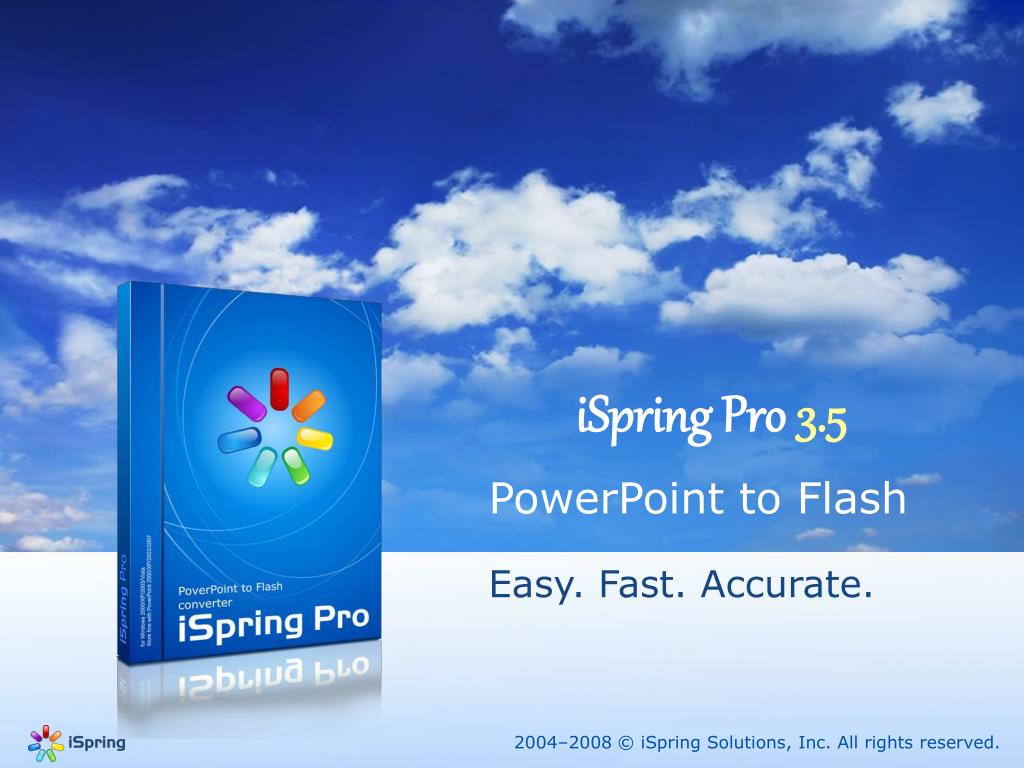
  1. iSpring Pro3.5 PowerPoint to Flash Easy. Fast. Accurate. 2004–2008 © iSpring Solutions, Inc. All rights reserved.

  2. Convert presentation into Flash Movie in ONE click! 2004–2008 © iSpring Solutions, Inc. All rights reserved.

  3. PowerPoint to Flash PowerPoint presentation .PPT Flash presentation .SWF iSpring 2004–2008 © iSpring Solutions, Inc. All rights reserved.

  4. Make your presentation Compact 1 Mb 43Mb presentation.SWF presentation.PPT 2004–2008 © iSpring Solutions, Inc. All rights reserved.

  5. Make your presentation Available Everywhere 2004–2008 © iSpring Solutions, Inc. All rights reserved.

  6. Control your Flash output Full Customization Solid Slide - 1 Slide - 3 Slide - 2 Slide - 2 Slide - 1 Slide - 3 Set of Customizable Presenter Movie Size Separate Playback Control Smart Compression & Company Info Players and Scale Control Manual Standalone Flash files or Automatic Presentation Size: 2004–2008 © iSpring Solutions, Inc. All rights reserved.

  7. Impress your audience New Animations Repeat Animation Letter Animations Effects 2004–2008 © iSpring Solutions, Inc. All rights reserved.

  8. Draw over presentation content Marker Tools 2004–2008 © iSpring Solutions, Inc. All rights reserved.

  9. Share your presentations on web SlideBoom.com 2004–2008 © iSpring Solutions, Inc. All rights reserved.

  10. Share ideas! E-cards Flash Banners Flash SlideShows E-learning Business Web Sites Social Networks 2004–2008 © iSpring Solutions, Inc. All rights reserved.

  11. Enjoy iSpring! Start using iSpring now and make all Flash advantages work for you! www.ispringsolutions.com 2004–2008 © iSpring Solutions, Inc. All rights reserved.