Converting Large Raw Data to Z-Scores in Excel for Effective Monitoring and Analysis
This guide explains how to convert large datasets into z-scores using Excel, a vital step for statistical analysis. Z-scores help in monitoring designs, creating control charts, and contrasting multiple variables over time. The included YouTube videos provide visual assistance for performing calculations and creating informative graphics in Excel. Whether you're a beginner or looking to refine your data analysis skills, these resources will enhance your ability to interpret complex data sets effectively.

Converting Large Raw Data to Z-Scores in Excel for Effective Monitoring and Analysis
E N D
Presentation Transcript
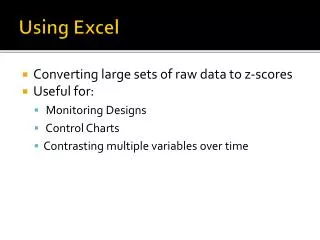
Using Excel • Converting large sets of raw data to z-scores • Useful for: • Monitoring Designs • Control Charts • Contrasting multiple variables over time
Videos • YouTube video for using Excel for calculations http://www.youtube.com/watch?v=mY6UGHNy8KQ&feature=email • YouTube video for creating graphic with Excel http://www.youtube.com/watch?v=l2V1If-MUVo&feature=email