Student Registration Guidelines for Interpretive Simulation Access
To register for the Interpretive simulation, each student must visit www.interpretive.com and click on the login tab at the top right. Log in using your Individual User ID and Password, and follow the on-screen directions to complete the registration. After registering, students will receive an Individual User ID and Password via email. Registration grants access to a simulation license for the course duration, a PDF of the student manual, and access to online resources, with all technical inquiries answered within 24 hours. Early payment is encouraged for team readiness.

Student Registration Guidelines for Interpretive Simulation Access
E N D
Presentation Transcript
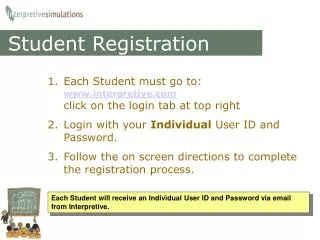
Student Registration • Each Student must go to:www.interpretive.comclick on the login tab at top right • Login with your Individual User ID and Password. • Follow the on screen directions to complete the registration process. Each Student will receive an Individual User ID and Password via email from Interpretive.
Student Access Once you have registered, you will receive: • An individual license to use the simulation for the course duration, • A PDF of the student manual, • Access to the course website to view results and additional online resources, • All technical simulation questions submitted online, will be answered by Interpretive within 24 hours. Each team will not be able to start the simulation until all team members have registered — so early payments are encouraged!