
Uploaded by
gwydion-probert
10 SLIDES
233 VUES
100LIKES
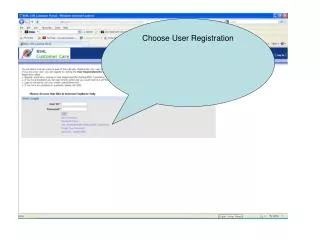
Simple Steps to Register and View Unbilled Usage
DESCRIPTION
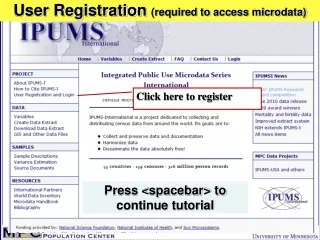
Follow this quick guide to register as a user. Fill in the required form, including your customer number. Once completed, click "I Agree" and then "Finish." To view your unbilled usage, navigate to the service section on the right-hand side and click on "Unbilled Usage." This will allow you to see your current usage details before your bill is generated.
Download
1 / 10
Télécharger la présentation 
Simple Steps to Register and View Unbilled Usage
An Image/Link below is provided (as is) to download presentation
Download Policy: Content on the Website is provided to you AS IS for your information and personal use and may not be sold / licensed / shared on other websites without getting consent from its author.
Content is provided to you AS IS for your information and personal use only.
Download presentation by click this link.
While downloading, if for some reason you are not able to download a presentation, the publisher may have deleted the file from their server.
During download, if you can't get a presentation, the file might be deleted by the publisher.
E N D









More Related

Audio
Live Player