
Introduction to Java
E N D
Presentation Transcript
Introduction to Java Yin-Hsong Hsu and Yen-Cheng Chen 1998
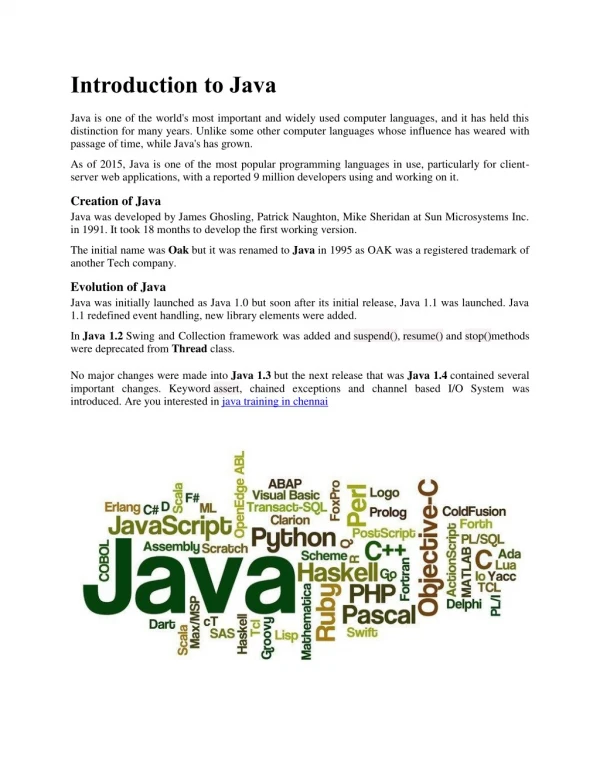
History of Java • Green project funded by Sun for intelligent consumer electronic devices • announced at May 23, 1995 • experiences from CE • so many kinds of machines, portability • simple • no hard disk => network download • security
Java - “Write Once, Run Everywhere & Reuse Everywhere” • Java: An Object-Oriented Programming Language for the Internet. • A Better C++-Like Language • object-oriented, distributed, interpreted, multi-threaded, secure, no pointers, garbage collection,... • Platform-independent • Java programs are compiled into bytecodes, which can be run on Java Virtual Machine. • Java Applets/Servlets: small Java programs executed in WWW browsers/servers.
Java • Simple • Object-oriented • Distributed • Interpreted • Robust • Secure • Architecture-neutral • Portable • High performance • Multithreaded • Dynamic
Java Applet vs. Java Application • Applet • A Java program that runs inside a Java-enabled Web Browser • Application • A stand-alone Java program
Source Code Compile javac prog.java Byte Code Interpret by a virtual machine Interpretation How Java Program Being Executed • Application
HTML Source Code compile Browser with Virtual Machine Byte Code Load Bytecode JIT: Just In Time Compiler How Java Program Being Executed • Applet
Programming Environment • Sun’s JDK (public) • javac • java • jdb • Symantec Visual Café • Microsoft Visual J++ • Borland JBuilder • IBM VisualAge • Sybase PowerJ
First Java Application - Hello World • Code : HelloWorldApp.java • compile to bytecode “HelloWorldApp.class” • execute the bytecode class HelloWorldApp { public static void main(String[] args) { System.out.println("Hello World!"); } }
javac HelloWorldApp.java • Compile HelloWorldApp.java to HelloWorldApp.class • java HelloWorldApp • Interpret HellowWorldApp.class
The anatomy of a Java application • Comments in Java Code • C, C++, and /** … */ • defining a class • the main() method • modifiers: public static and void • arguments to the main method • using classes and objects • class variables versus instance variables
First Java Applet - Hello World • Code: HelloWorld.java • compile to bytecode : HelloWorld.class importjava.applet.Applet; importjava.awt.Graphics; public class HelloWorld extendsApplet { public void paint(Graphics g) { g.drawString("Hello world!", 50, 25); } }
Running an Applet • HTML file : xx.html <APPLET CODE="HelloWorld.class" WIDTH=150 HEIGHT=25> • The Applet tag < appletcode=class width=nn height=nn codebase=dir name=n align=str vspace=nn hspace=nn> <paramname=pn1 value=pv1> <paramname=pn2 value=pv2> ... </applet>
The anatomy of a Java applet • importing classes and packages • defining an Applet subclass • implementing Applet methods
What Applets Can Do? • Applets can usually make network connections to the host they came from. • Applets running within a Web browser can easily cause HTML documents to be displayed. • Applets can invoke public methods of other applets on the same page. • Applets that are loaded from the local file system (from a directory in the user's CLASSPATH) have none of the restrictions that applets loaded over the network do.
What Applets Can’t Do? • An applet cannot load libraries or define native methods. • It cannot ordinarily read or write files on the host that's executing it. • It cannot make network connections except to the host that it came from. • It cannot start any program on the host that's executing it. • It cannot read certain system properties. • Windows that an applet brings up look different than windows that an application brings up.
Java Core API • Included in JDK • Java classes/packages: • Data manipulation & processing. • AWT (Abstract Windowing Toolkit). • I/O. • Networking. • Security. • JDBC (Java Database Connectivity) • JavaBeans • RMI (Remote Method Invocation). • Object Serialization