
Document Management
E N D
Presentation Transcript
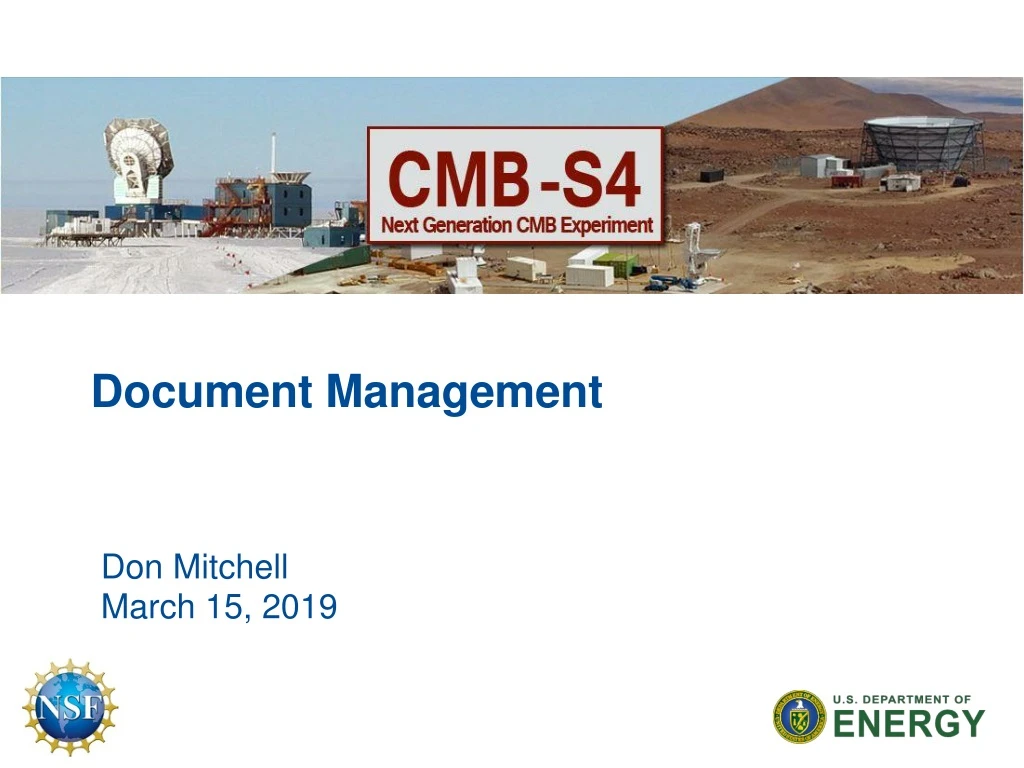
Document Management Don Mitchell March 15, 2019
Overview • What type of documents do we manage? • Designs (mCAD, eCAD, software, etc.) • Engineering (technical requirements, specifications, analysis, procurement, reviews, fabrication, testing, operations, etc.) • Scientific (functional requirements, design reports, etc.) • Project (cost, schedule, reviews, financials, earned value, etc.) • What does Document Management really mean? • Where do we store our data? • How do we effectively share our data? • How do we revision-control our data? • How do we meet the Project requirements? • Requirements management • Risk management • Change management, etc. Don Mitchell - Fermilab | Document Management
Overview – cont. • For scientists and engineers, document management is the furthest thing on our minds. • We want to be free to create without constraints. • But we do have constraints • We need to be good stewards of the resources provided by DOE/NSF. • We need to document our plans, be able to defend the decisions we make, and deliver value. • Document management needs to start early. Begins with: • CDR, RDR, schedule, and functional requirements • Revision-controlled data • Easily accessible and shareable • Integrated scientific, engineering, design, and management • Considerations for large collaborations Don Mitchell - Fermilab | Document Management
Different Needs for Different Roles • Project Requirements/Specifications • require Revision-Control and Change Management • Need to be accessible and up-to-date • Project Managerial Documents • require Revision-Control and Change Management • Need to be secure and confidential • Need to control budget and schedule • Scientific/Engineering Documents • require Revision-Control • Need to be accessible and easily locatable • Design Documents (CAD) • require Revision-Control • Need to be shareable • Need to be integrated into one EDMS Don Mitchell - Fermilab | Document Management
Pitfalls that other Projects have endured • Started too late with document management • Scramble to find or create documents for the numerous reviews • Did not implement revision-control • Did not have change management in place • No well-defined functional requirements lead to scope creep and cost/schedule over-runs (when does the design meet the requirements?) • Lack of CAD integration leads to wasted time and rework of the designs. • L2 managers not understanding earned value – waiting until CD-2 is a big mistake – get in the right mindset now so that when EV is required, you’ll be in good shape. • Document schedules and cost throughout the project process • Implement funding requests to help control the costs • Train for success – EDMS systems require training Don Mitchell - Fermilab | Document Management
Electronic Document Management Systems • Wiki – great for small projects, easy to use, easily accessible • Good for managing meetings, conferences • Not a good option for a multi-million dollar Project • DocDB - Easy to use, easily accessible via the web, written and managed by FNAL • Somewhat revision-controlled but only one username and password per project – shared by all Users • Good for sharing scientific docs – what it was designed to do! • Not ideal for managing large Projects but can be (e.g. Mu2e) • Teamcenter – a full Siemens Product Lifecycle Management (PLM) solution provided by Fermilab – functioning today • Multi-CAD integration for concurrent design • Full document management capabilities • Requires investment in training • Other systems: Sharepoint, controlled servers, Indico Don Mitchell - Fermilab | Document Management
EDMS for CMB-S4, a proposal • DocDB: • Scientific documentation • Reference engineering documents (copies from Teamcenter) • Reference PDF drawings (copies from Teamcenter) • Presentations • Separate controlled area for managing Project confidentials • Wiki • Local institutions non revision-controlled docs • Meetings or conferences • Teamcenter • Integrated CAD design data, manages models and drawings • Organized, revision-controlled engineering documents • URL links to other important documents not in Teamcenter • Training required – available at teamcenter.fnal.gov Don Mitchell - Fermilab | Document Management
Teamcenter, a PLM environment • A central repository for managing complex, associated, 3-D multi-CAD data • Manages revision-controlled engineering documents • Helps manage project structure and can be used to index all of the project’s important documentation • Hyperlinks to documents located in other web-based systems • A full set of tools to view CAD, MS Office, images, and PDFs • Users can access Teamcenter from any PC or MAC • Licenses and accounts provided by FNAL • Citrix is utilized for off-site Users to optimize performance • CAD work can be integrated into a single design • Suggested that the Project hire a data librarian Don Mitchell - Fermilab | Document Management
Teamcenter, Multi-CAD PLM Environment Neutral CAD files (JT)viewable within Teamcenter w/o CAD tool Don Mitchell - Fermilab | Document Management
Teamcenter, JT Viewer Don Mitchell - Fermilab | Document Management
Teamcenter, Structure Manager Environment Don Mitchell - Fermilab | Document Management
Summary • Get started with document management now! • Consider all Project requirements and implement ASAP • Establish documentation policies and ensure compliance • Decide where you want to put the various types of documentation • Revision-controlled should be managed within a true EDMS PLM system • Non revision-controlled documents should still be organized and easy to locate and use • Project confidential files must be controlled • CAD data really should be integrated into a single system • Spend the funds and hire a document manager (librarian) • Train personnel on how to work together within the chosen systems Don Mitchell - Fermilab | Document Management