SlideServe
Menu
Préférences
© SlideServe · v2026

Interactive teaching methods based on IT

hosea avatar
23 diapositives · 1.5K Views · Sep 30, 2014

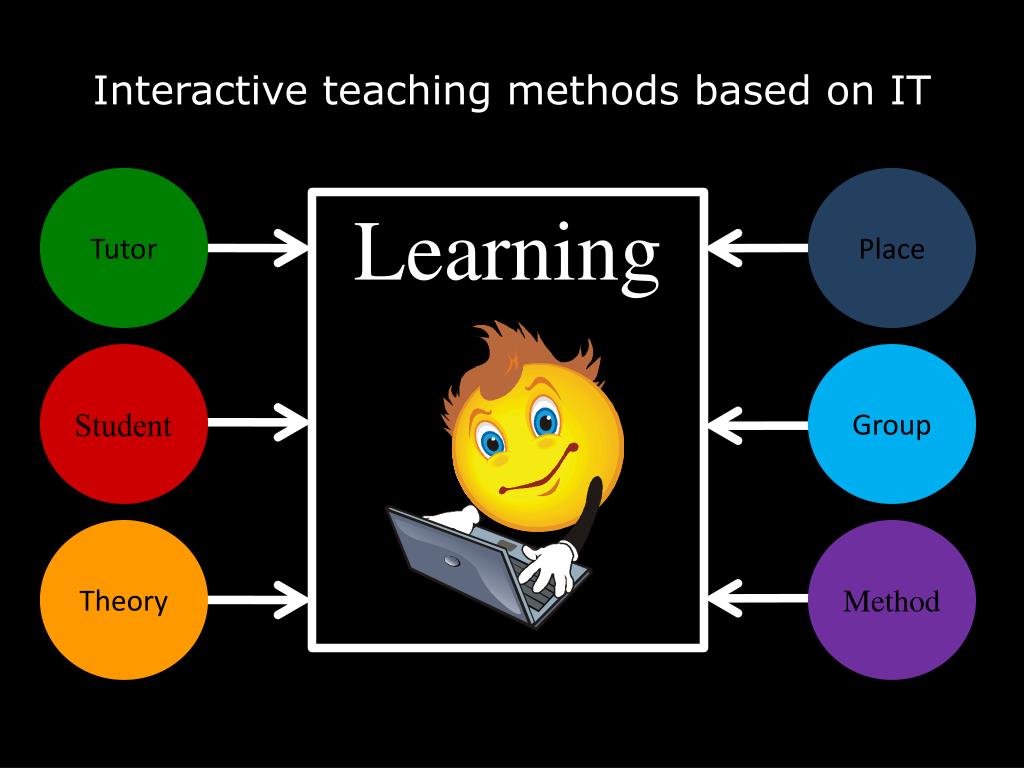
Tutor. Place. Learning. Interactive teaching methods based on IT. Student. Group. Theory. Method. Student skills. Traditional skills Computer skills eLearning skills Communication skills Group and cooperative learning. Tutor skills. Pedagogical skills Social skills
Interactive teaching methods based on IT - slide 1
01 / 23Interactive teaching methods based on IT
1 / 17

Télécharger la présentation

Interactive teaching methods based on IT
Une image / un lien ci-dessous est fourni (tel quel) pour télécharger la présentation

Politique de téléchargement : le contenu du site vous est fourni TEL QUEL pour votre information et votre usage personnel ; il ne peut être vendu, concédé sous licence ni partagé sur d’autres sites sans l’accord de son auteur.Le contenu vous est fourni TEL QUEL, pour votre information et votre usage personnel uniquement. Téléchargez la présentation en cliquant sur ce lien. Lors du téléchargement, si vous ne parvenez pas à télécharger une présentation, l’éditeur a peut-être supprimé le fichier de son serveur.Pendant le téléchargement, si vous ne parvenez pas à obtenir une présentation, le fichier a peut-être été supprimé par l’éditeur.

F I N

Plus de contenu associé

Transcription de la présentation
  1. Tutor Place Learning Interactive teaching methods based on IT Student Group Theory Method

  2. Student skills • Traditional skills • Computer skills • eLearning skills • Communication skills • Group and cooperative learning

  3. Tutor skills • Pedagogical skills • Social skills • Management skills • Technical skills • Personal skills

  4. Learning theories • Behaviorism - Teacher centered model - Programmed Learning – individual form-test • Constructivism - Student centered model – creating authors products - group form-portfolio

  5. Microsoft Word • Microsoft PowerPoint • Interactive whiteboard • List of websites • Digital video • Simulations • Internet research • Microsoft Word • Microsoft PowerPoint • Microsoft Paint • Microsoft Photo editor • Microsoft Movie Maker • VLE • Forum • Wiki • Blog • Web page • Resources • Conferencing • E-mail

  6. Learning group • The use of roles in groups • Social aspects of groups • Collaboration in groups • Facilitating online groups • Lurker, stealers, burners and confused

  7. Group communication modes

  8. Interactive methods • Pyramid • Flash • Brainstorming • Divided poster • Panel discussion • Mind mapping • Picturing of idea • Three or more important things • Role-playing games

  9. Interactive methods in classroom

  10. Interactive methods in classroom

  11. Interactive methods in computer lab

  12. Interactive methods in computer lab

  13. Interactive methods in online space

  14. Interactive methods in online space

  15. Thank you for your patience!

  16. For further questions and comments: assistant professor Stoyan Saev Sofia Univeristy, bul. Tzar Osvoboditel № 15 Faculty of education e-mail: ssuev@yahoo.com

  17. Virtual libraries • Internet public library - www.ipl.org • BUBL Information Service - bubl.ac.uk • The WWW Virtual Library - vlib.org

  18. Search engines • www.google.com • www.altavista.com • www.lycos.com • www.wolframalpha.com

  19. Define learning activity • Key words • Precise topic • Selected websites • Web portal/s

  20. Meta search engines • www.dogpile.com • www.metacrawler.com • www.webcrawler.com • harvester42.fzk.de