Why it is Essential to Upgrade Drupal Versions
0 likes | 2 Vues
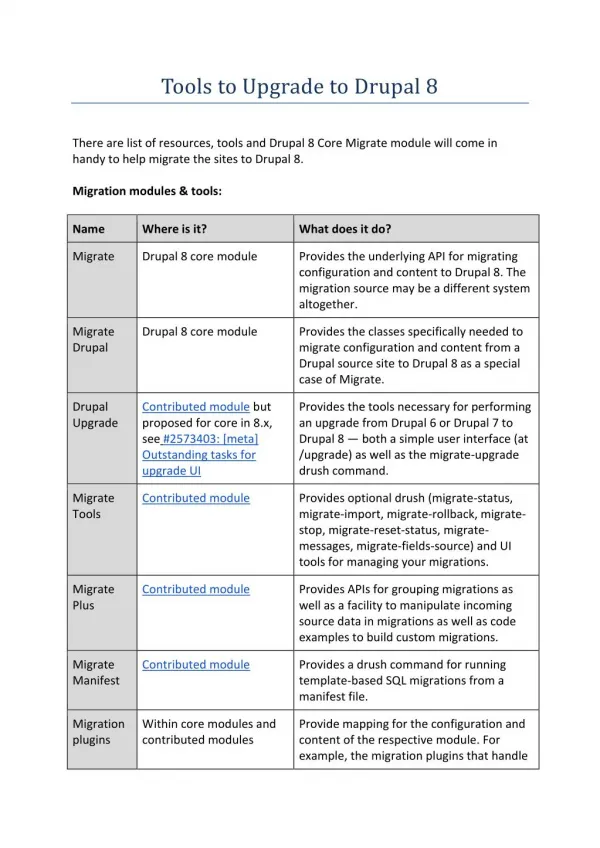
Why it is essential to upgrade Drupal Versions? Upgrading to the latest Drupal version is crucial for ensuring security, performance, and functionality. Older versions of Drupal no longer receive official security patches, making them vulnerable to cyber threats such as malware, data breaches, and hacking attempts. By upgrading, websites benefit from enhanced security mechanisms that protect sensitive user data and safeguard against unauthorized access. Additionally, compliance with industry regulations like GDPR and ADA ensures legal security while improving website accessibility for a broade


Why it is Essential to Upgrade Drupal Versions
E N D
Presentation Transcript
Why it is Essential to Upgrade Drupal Versions? Why it is essential to upgrade Drupal Versions? Upgrading to the latest Drupal version is crucial for ensuring security, performance, and functionality. Older versions of Drupal no longer receive official security patches, making them vulnerable to cyber threats such as malware, data breaches, and hacking attempts. By upgrading, websites benefit from enhanced security mechanisms that protect sensitive user data and safeguard against unauthorized access. Additionally, compliance with industry regulations like GDPR and ADA ensures legal security while improving website accessibility for a broader audience. Key Benefits of Upgrading Drupal Versions 1. Improved Security Older Drupal versions are more susceptible, Why it is essential to upgrade Drupal Versions, to cyber threats due to outdated security protocols. The latest versions include: ● Regular security patches and updates ● Protection against malware, SQL injection, and hacking attempts ● Compliance with legal and regulatory standards 2. Enhanced Performance & Speed Performance improvements in newer Drupal versions lead to a faster, more responsive website, which results in better user engagement and SEO rankings. Benefits include: ● Faster page load times and optimized caching ● Reduced server response times ● Efficient database management for high-traffic sites 3. Better SEO Capabilities Drupal upgrades come with built-in SEO enhancements to help websites rank higher in search engine results. These include: ● Improved URL structures and metadata handling ● Enhanced mobile responsiveness for better search rankings ● SEO-friendly themes and modules for content optimization 4. Modern UI/UX & Content Management Keeping Drupal updated to ensures that why it is essential to upgrade Drupal versionsand improve the user experience, both for site visitors and administrators. Enhancements include:
● A more intuitive admin panel for easier content management ● Responsive design improvements for better mobile accessibility ● Updated WYSIWYG editors for seamless content editing 5. Compatibility with Latest Technologies Drupal upgrades ensure seamless integration with modern web technologies, preventing compatibility issues that could impact website functionality. Key improvements include: ● Support for the latest PHP and MySQL versions ● Improved REST API support for third-party integrations ● Compatibility with modern frameworks and modules 6. Cost-Effective Maintenance Delaying upgrades can lead to higher maintenance costs, security risks, and complex migration processes. Upgrading helps businesses: ● Reduce long-term technical debt ● Avoid unexpected downtime and repair costs ● Ensure seamless scalability for future expansion Steps to Upgrade Your Drupal Version Upgrading Drupal requires careful planning and execution. Follow these steps for a successful transition: 1. Assess Your Current Drupal Version: Identify whether your site is running Drupal 7, 8, or 9 and determine the upgrade path. 2. Backup Your Website Data: Ensure a full backup of the site’s database, content, and files before initiating the upgrade. 3. Check Module and Theme Compatibility: Review installed modules and themes to ensure they are compatible with the latest version. 4. Migrate Content & Data: Use Drupal’s built-in migration tools to transfer data securely. 5. Test the Upgraded Site: Perform thorough testing to check for broken links, functionality errors, and performance issues before deployment. 6. Deploy and Monitor Performance: Once upgraded, continuously monitor your site’s performance to ensure optimal functionality. Final Thoughts Keeping your website up to date with the latest Drupal version is not just an option but a necessity. Upgrading ensures security, performance, scalability, and long-term sustainability.
Businesses that proactively update their Drupal versions will benefit from a secure, high-performing, and future-proof website, ready to meet modern digital deman