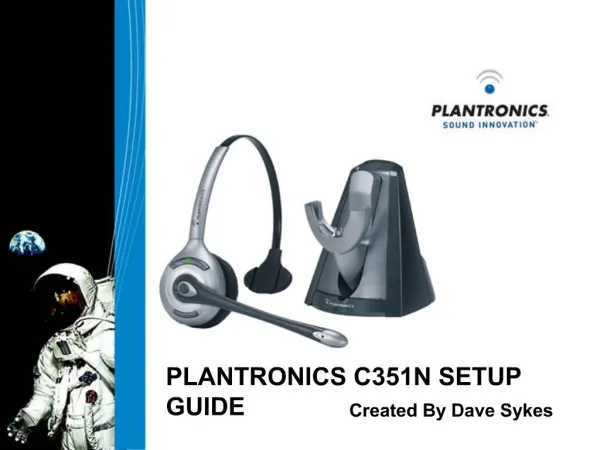
PLANTRONICS C351N SETUP GUIDE
Learn how to properly charge and set up your Plantronics C351N headset with this clear guide. Start by docking the headset into the C351N base for a minimum of 1 hour, ideally 3 hours for a full charge. Then, put the DECT base into subscription mode by holding the page button for 10 seconds until it beeps. Next, press and hold the volume down button on the headset until the online indicator turns on, then release it and wait for the indicator to turn off. Your headset will then be successfully subscribed and ready for use.


PLANTRONICS C351N SETUP GUIDE
E N D
Presentation Transcript
PLANTRONICS C351N SETUP GUIDE Created By Dave Sykes
1. Headset Charging. • Dock C351N Headset into base and charge for a minimum of 1 hour. 3 hours to fully charge. Headset docked In the charger.
Putting DECT base into subscription mode. 2. DECT Base Subscription. • Press the page button on the main DECT base for 10 seconds. • The DECT Base may beep to say it is in a Subscription mode. • The page button may have an icon that looks like this. Page button.
Press and hold down the volume down button on the headset until the online indicator comes on. Release the button and then wait until the online indicator goes out. Your Headset should now be subscribed. 3. Headset Subscription. • Putting C351N DECT Headset into subscription Mode. online indicator Volume down