Customizable Book Template for Easy Formatting and Design
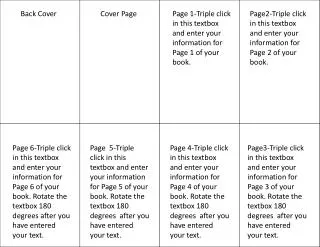
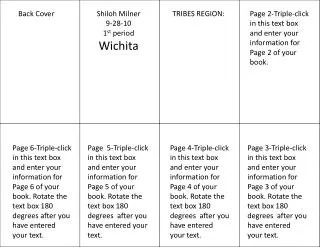
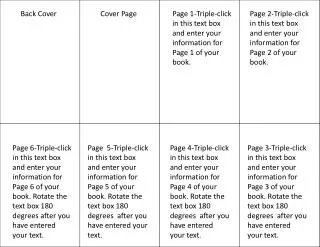
This customizable book template allows authors to effortlessly create a structured layout for their book. Each page provides designated text boxes where you can triple-click to enter your information, ensuring that each section is clearly defined. After inputting your text, simply rotate the text boxes 180 degrees to enhance visual appeal. Perfect for self-publishing writers looking for a coherent framework to present their content, this template simplifies the design process, ensuring your book is both professional and engaging.

Customizable Book Template for Easy Formatting and Design
E N D
Presentation Transcript
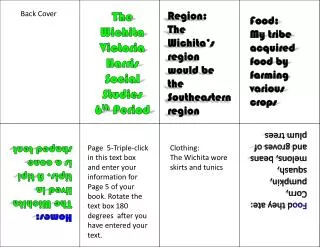
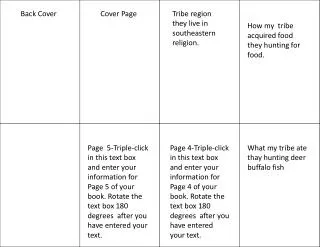
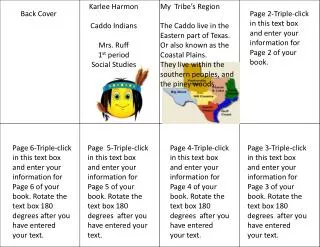
Back Cover Cover Page Page 1-Triple-click in this text box and enter your information for Page 1 of your book. Page 2-Triple-click in this text box and enter your information for Page 2 of your book. Page 6-Triple-click in this text box and enter your information for Page 6 of your book. Rotate the text box 180 degrees after you have entered your text. Page 5-Triple-click in this text box and enter your information for Page 5 of your book. Rotate the text box 180 degrees after you have entered your text. Page 4-Triple-click in this text box and enter your information for Page 4 of your book. Rotate the text box 180 degrees after you have entered your text. Page 3-Triple-click in this text box and enter your information for Page 3 of your book. Rotate the text box 180 degrees after you have entered your text.