Download
1 / 4
40 likes | 161 Vues
This guide outlines the approval process for timecards in Oracle, emphasizing key details for supervisors and budget authorities. Each line in a timecard creates a distinct approval pathway. Approvers can only approve, reject, or request information without modifying timecards. They also have the option to reassign tasks or grant access to their Worklist. Approvals can be completed faster within Oracle than through email. Important tips are provided for reviewing timecards, including taking note of work hours and leave hours to ensure accuracy before approving or rejecting submissions.

E N D
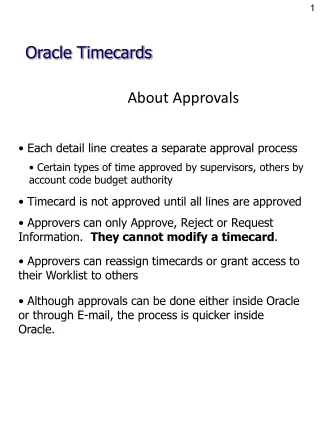
About Approvals Oracle Timecards • Each detail line creates a separate approval process • Certain types of time approved by supervisors, others by account code budget authority • Timecard is not approved until all lines are approved • Approvers can only Approve, Reject or Request Information. They cannot modify a timecard. • Approvers can reassign timecards or grant access to their Worklist to others • Although approvals can be done either inside Oracle or through E-mail, the process is quicker inside Oracle.
Approvals in Oracle Oracle Timecards • Log into Oracle, click on APS Self Service Time responsibility • Click on Approval Worklist
Applications Approvals Oracle Timecards • To open a single timecard, click on “Subject” link • HINT: If you have multiple timecards to approve, click “Select All”, then “Open” and approvals will go more quickly!
Applications Approvals Oracle Timecards • Click Approve or Reject. • If all time entered is correct, click Approve. • PLEASE pay careful attention to work hours, leave hours, sub pay, etc. • If there is an error, click Reject. • ALWAYS add a Note explaining the rejection. • The employee will need to update (correct) the timecard and resubmit for approval.