SlideServe
Menu
Préférences
© SlideServe · v2026

Chapter 14 - Dynamic HTML: Event Model

jayme-kennedy avatar
40 diapositives · 637 Views · Nov 04, 2014

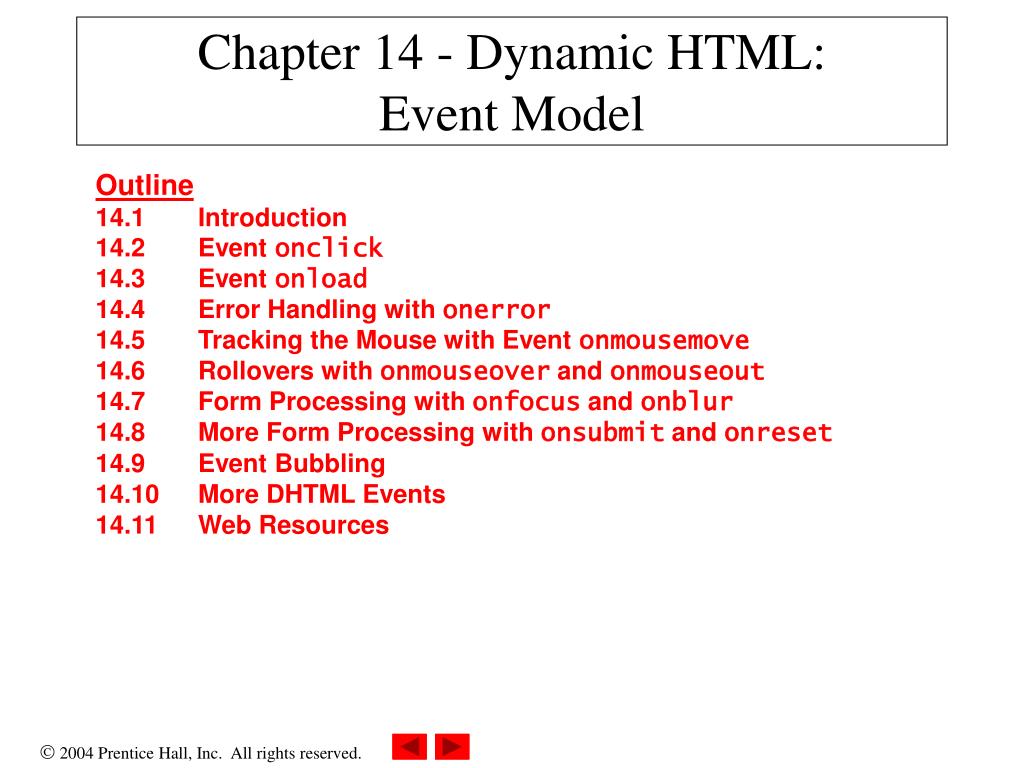
Chapter 14 - Dynamic HTML: Event Model. Outline 14.1 Introduction 14.2 Event onclick 14.3 Event onload 14.4 Error Handling with onerror 14.5 Tracking the Mouse with Event onmousemove 14.6 Rollovers with onmouseover and onmouseout
Chapter 14 - Dynamic HTML: Event Model - slide 1
01 / 40Chapter 14 - Dynamic HTML: Event Model
1 / 17

Télécharger la présentation

Chapter 14 - Dynamic HTML: Event Model
Une image / un lien ci-dessous est fourni (tel quel) pour télécharger la présentation

Politique de téléchargement : le contenu du site vous est fourni TEL QUEL pour votre information et votre usage personnel ; il ne peut être vendu, concédé sous licence ni partagé sur d’autres sites sans l’accord de son auteur.Le contenu vous est fourni TEL QUEL, pour votre information et votre usage personnel uniquement. Téléchargez la présentation en cliquant sur ce lien. Lors du téléchargement, si vous ne parvenez pas à télécharger une présentation, l’éditeur a peut-être supprimé le fichier de son serveur.Pendant le téléchargement, si vous ne parvenez pas à obtenir une présentation, le fichier a peut-être été supprimé par l’éditeur.

F I N

Plus de contenu associé

Transcription de la présentation
  1. Chapter 14 - Dynamic HTML: Event Model Outline 14.1 Introduction 14.2 Event onclick 14.3 Event onload 14.4 Error Handling with onerror 14.5 Tracking the Mouse with Event onmousemove 14.6 Rollovers with onmouseover and onmouseout 14.7 Form Processing with onfocus and onblur 14.8 More Form Processing with onsubmit and onreset 14.9 Event Bubbling 14.10 More DHTML Events 14.11 Web Resources

  2. Objectives • In this lesson, you will learn: • To understand the notion of events, event handlers and event bubbling. • To be able to create event handlers that respond to mouse and keyboard events. • To be able to use the event object to be made aware of and, ultimately, respond to user actions. • To understand how to recognize and respond to the most popular events.

  3. 14.1  Introduction • Event model • Scripts can respond to user • Content becomes more dynamic • Interfaces become more intuitive

  4. 14.2  Event onclick • onClick • Invoked when user clicks the mouse on a specific item

  5. onclick.html(1 of 2)

  6. onclick.html(2 of 2)

  7. 14.3  Event onload • onload event • Fires when an element finishes loading • Used in the body element • Initiates a script after the page loads into the client

  8. onload.html(1 of 2)

  9. onload.html(2 of 2)

  10. 14.4  Error Handling with onerror • onerror event • Execute specialized error-handling code

  11. onerror.html(1 of 2)

  12. onerror.html(2 of 2)

  13. 14.5  Tracking the Mouse with Event onmousemove • onmousemove • Fires repeatedly when the user moves the mouse over the Web page • Gives position of the mouse

  14. onmousemove.html(1 of 2)

  15. onmousemove.html(2 of 2)

  16. 14.6  Rollovers with onmouseover and onmouseout • Two more events fired by mouse movements • onmouseover • Mouse cursor moves over element • Onmouseout • Mouse cursor leaves element

  17. 14.6  Rollovers with onmouseover and onmouseout

  18. onmouseoverout.html(1 of 4)

  19. onmouseoverout.html(2 of 4)

  20. onmouseoverout.html(3 of 4)

  21. onmouseoverout.html(4 of 4)

  22. 14.7  Form Processing with onfocus and onblur • onfocus event fires when element gains focus • onblur event fires when element loses focus

  23. onfocusblur.html(1 of 3)

  24. onfocusblur.html(2 of 3)

  25. onfocusblur.html(3 of 3)

  26. 14.8  More Form Processing with onsubmit and onreset • onsubmit and onreset are useful events for processing forms

  27. onsubmitreset.html(1 of 4)

  28. onsubmitreset.html(2 of 4)

  29. onsubmitreset.html(3 of 4)

  30. onsubmitreset.html(4 of 4)

  31. 14.9  Event Bubbling • Crucial part of the event model • Process whereby events fired in child elements “bubble” up to their parent elements

  32. bubbling.html(1 of 2)

  33. bubbling.html(2 of 2)

  34. 14.10  More DHTML Events • Remaining DHTML events and their descriptions

  35. 14.10  More DHTML Events

  36. 14.10  More DHTML Events

  37. 14.10  More DHTML Events