
Uploaded by
jela
14 SLIDES
292 VUES
140LIKES
How to Create a Database in JET SQL Server
DESCRIPTION
This guide walks you through the steps to create a database using JET SQL Server. Start by selecting the appropriate options and naming your database. If the option you need isn’t listed, remember that it can be installed from the Office CD. Follow the prompts, fill in the required information accurately, and click OK. Once you're done, your data should appear conveniently on a spreadsheet. This simple process streamlines your data management.
Download
1 / 14
Télécharger la présentation 
How to Create a Database in JET SQL Server
An Image/Link below is provided (as is) to download presentation
Download Policy: Content on the Website is provided to you AS IS for your information and personal use and may not be sold / licensed / shared on other websites without getting consent from its author.
Content is provided to you AS IS for your information and personal use only.
Download presentation by click this link.
While downloading, if for some reason you are not able to download a presentation, the publisher may have deleted the file from their server.
During download, if you can't get a presentation, the file might be deleted by the publisher.
E N D
Presentation Transcript
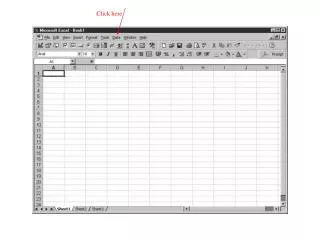
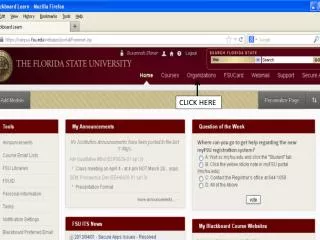
You give it a name (any) Choose this and click OK (if this option does not appear in the list it can be installed from the office CD)
Name of database on the JET SQL Server appears here automatically Click here
Choose optional














More Related