Managing Student Data with Ruby on Rails Forms
Learn how to create and manage forms in Ruby on Rails using the form_for helper. This guide covers submitting a form for modifying student information, including name and birth date, along with data validation methods to ensure accuracy. We explore how to implement custom validations and display error messages, enhancing user experience. The practical examples provided will help you implement efficient form handling in your Rails applications, maintaining robust data integrity throughout.

Managing Student Data with Ruby on Rails Forms
E N D
Presentation Transcript
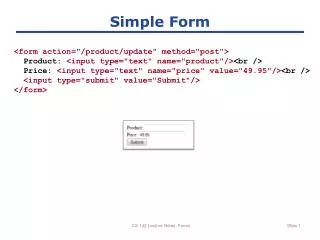
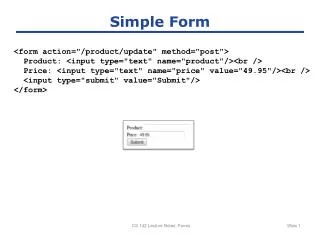
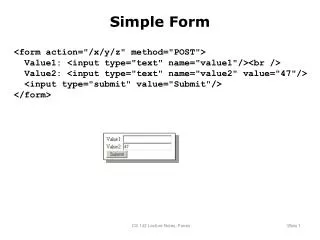
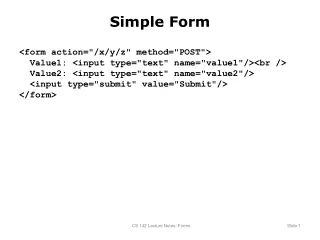
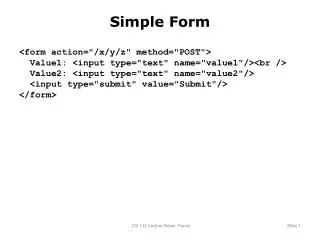
Simple Form <form action="/x/y/z" method="POST"> Value1: <input type="text" name="value1"/><br /> Value2: <input type="text" name="value2"/> <input type="submit" value="Submit"/> </form> CS 142 Lecture Notes: Forms
Rails Form Helpers Name of modelclass (Student) Name of variable containing data (@student) <% form_for(:student, :url => {:action => :modify, :id =>@student.id}) do |form| %> <table class="form"> <tr> <td class="label">Name:<td> <td><%=form.text_field(:name)%><td> </tr> <tr> <td class="label">Date of birth:<td> <td><%= form.text_field(:birth) %><td> </tr> ... <table> <%= submit_tag "Modify Student" %> <% end %> Initial value will be@student.name Text to displayin submit button CS 142 Lecture Notes: Forms
Post Action Method Hash with all of form data def modify @student = Student.find(params[:id]) if @student.update_attributes(params[:student]) then redirect_to(:action => :show) else render(:action => :edit) end end Redirects on success CS 142 Lecture Notes: Forms
Validation Custom validation method class Student < ActiveRecord::Base def validate if (gpa < 0) || (gpa > 4.0) then errors.add(:gpa, "must be between 0.0 and 4.0") end end validates_format_of :birth, :with => /\d\d\d\d-\d\d-\d\d/, :message => "must have format YYYY-MM-DD“ end Built-in validator Saves error info CS 142 Lecture Notes: Forms
Error Message Helper <%= error_messages_for(:student)%> <% form_for(:student, :url => {:action => :modify, :id =>@student.id}) do |form| %> ... <% end %> CS 142 Lecture Notes: Forms