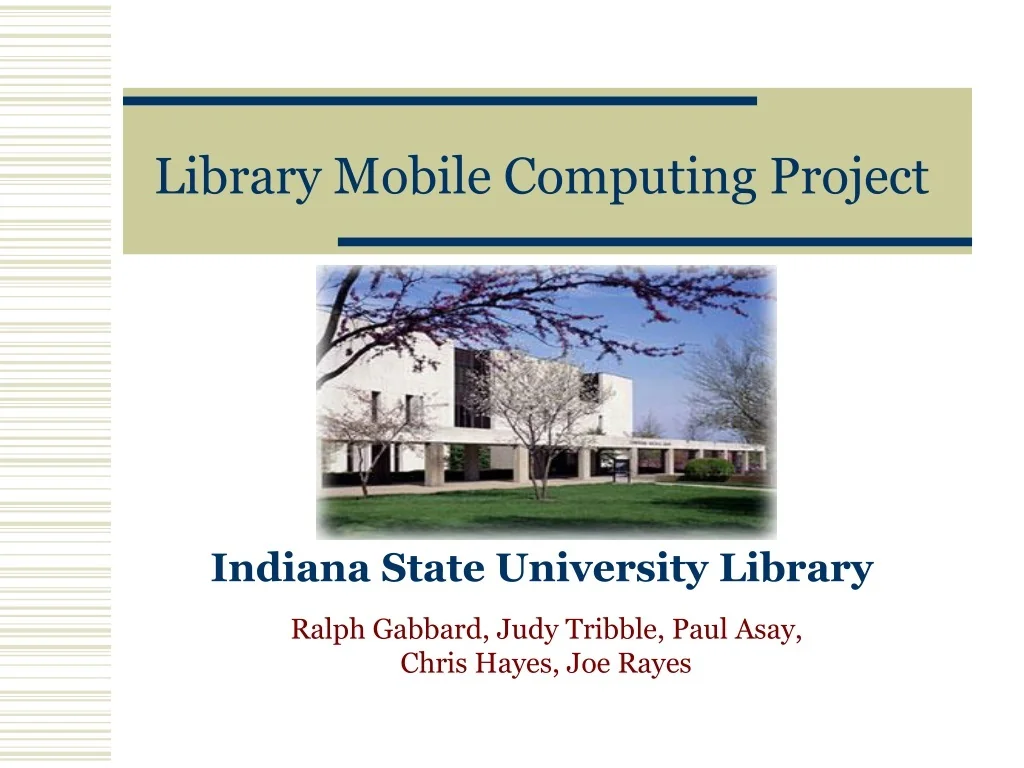
Library Mobile Computing Project Indiana State University Library Ralph Gabbard, Judy Tribble, Paul Asay, Chris Hayes, Joe Rayes
ISU Background • Comprehensive university • 11,000 students • Students from rural areas and lower socioeconomic backgrounds
ISU Library • Current building opened in 1973. • Over 1 million volumes on five floors. • Graduate and faculty carrels are not currently networked. • Over 60 databases available through the library home page.
Inspiration – Cornell’s “Live From the Stacks • First, mobile document scanners. • Second, mobile computers.
The Mobile Project Plan • Mobile Project Plan. • Planned workstation syncing prototype. • Investigate wireless LAN’s.
Project Plan Goals & Objectives • Team approach. • The goals. • Problems encountered. • Networking. • Security. • Usability. • Costs.
Scenario One • A patron enters the library. At the main desk, s/he checks out a hand-held scanner. The patron takes the scanner into the stacks to scan text and graphics from books, journals, and other printed materials in the library. • Before leaving the library, the patron can print or transfer the scanned files to the his/her disk or laptop computer for use in electronic documents.
Scenario One, Handheld Scanners • HP CapShare 920 mobile e-copier. • Checkout procedures. • Downloads via infrared port. • Bundled Pagis pro software handles text conversion. • Required a “Download” workstation.
Mobile E-copier Details • While fairly simple to operate, it did require advance software, and infrared capable transmission.
Lessons Learned • Usability testing and prototyping • Training • Problems
Scenario One Costs • HP Capshare Scanner Costs: 4 @ $279.00: total $1116.00. • Extended Systems Infrared USB Adapters: 4 @ $54.00: total $216.00. • Watchdog cards: 4 @ $85.00: $340.00.
Evolving Workstations • Library workstations currently have only one “look”. • “Download” workstation addition. • Later add an express kiosk station. • Switched workstation security to Watchdog internal cards.
Scenario Two • A patron enters the library and using a mobile computing device, the patron: • searches the on-line catalog, • interacts with others on the network • takes and records notes • Locates books and other materials
Scenario Two, Parts 1-6 • Parts 1 and 2 – Install wireless network • Part 1 – “wire” faculty carrels • Part 2 – “wire” rest of building • Part 3 – Test handhelds and PC cards • Part 4 – Set up mobile web site • Part 5 – Install reference chat room • Part 6 – Develop book locator software
Setting up the network • Wireless network access in all faculty carrels. • High potential for mobile device usage. • Lower cost than wiring 54 carrels.
Wireless Network Infrastructure • Mobile computing required an effective wireless network. • We settled on a combination of 802.11b components from Cisco and Compaq. • Both comply with the WI-FI standard.
Wireless LAN Site Survey
Carrel Wireless Costs • Total hardware including 7 Cisco access points, and 10 wireless cards: $8,123.00. • Total installation costs including wiring, and power: $2,100.00. • We conducted the site survey ourselves to determine the number and location of access points.
Setting up the Network– Part Two • Extend the wireless network into every public area of the library.
Wireless LAN Site Survey
Rest of Library Wireless Costs • Total hardware including 17 Cisco access points, 8 Compaq PCI/software access points cost: $18,042.00. • Total installation costs including wiring, and power: $5,100.00.
Choosing Handheld OS • Several choices of handheld computers, but few that are network capable. • Limited choices available: Palm, PocketPC’s, Psion, and Win CE handheld PC’s. • Garfinkel, Simson. “The net effect: handheld heaven.” TECHNOLOGY REVIEW, January/February 2001
Compaq iPAQ 3650 PDA. Includes expansion pack for PC cards. Compaq WL100 wireless network card. Syncs via USB cradle to download workstation. Handheld Specifics – Developmental Phase
Handheld Costs – Developmental Phase • Compaq iPAQ handheld with wireless cards and expansion packs costs 2 @ $720.00: $14200.00.
Mobile Web Presence • Screen capability on mobile devices may force you to rethink your web presence. • Potential use of a WAP server.
Scenario Two – Part4 – http://mobile.indstate.edu
Scenario Two, Part 5 – Reference Chat • While in the stacks, the student can ask a question of a staff member via chat software. • Used chat software which could be accessed from more than one workstation. • Restricted by IP authorization.
Scenario Two – Part 6 Book Locator • While in the stacks the user can search the catalog for a book, find a call number, then use Book Locator to determine which floor and shelf the book occupies.
Considerations for the Near Future • Handhelds, notebooks, tablet size pc’s, and web enabled cell phones.
Future Directions • E-pop. • Changing workstations. • Providing students with a library workspace. • Support the rapidly changing mobile environment.
Conclusions • Mobile computing in the library is feasible and may serve users better than wired networking in specific cases.
Conclusions • The library is a good place to prototype mobile computing on campus.