How to Copy an Existing Performance Appraisal Plan for National Guard Employees
This guide provides step-by-step instructions on how to copy an existing performance appraisal plan for National Guard employees using the Performance Appraisal Application. Begin at the main page to create a new performance plan by selecting the appropriate plan type, reviewing the details, and making necessary adjustments. Enter the employee’s name and appraisal effective date to locate the existing plan. Finally, select the plan you wish to copy and save your changes for a seamless appraisal process.

How to Copy an Existing Performance Appraisal Plan for National Guard Employees
E N D
Presentation Transcript
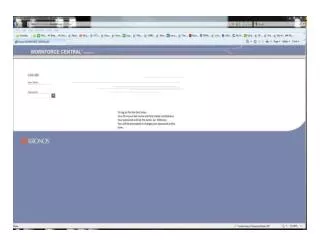
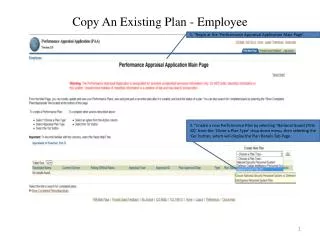
1. “Begin at the ‘Performance Appraisal Application Main Page’. Copy An Existing Plan - Employee 2. “Create a new Performance Plan by selecting ‘National Guard (Title 32)’ from the ‘Chose a Plan Type’ drop down menu, then selecting the ‘Go’ button, which will display the Plan Details Tab Page.
Copy An Existing Plan - Employee 3. “Review the information and make any necessary changes to the default values. 4. “Select the ‘Copy an Existing Plan’ button.
Copy An Existing Plan - Employee 4.5. “Enter the Employee Name and an Appraisal Effective Date from an existing plan to find. 4.5. “Enter the Employee Name and an Appraisal Effective Date from an existing plan to find. 5. “Select the ‘Find’ button for the plan you would like to copy.
Copy An Existing Plan - Employee 5. “Select the ‘Copy’ button for the plan you would like to copy.