
How to Trace Your Email in Hotmail: A Step-by-Step Guide
Learn how to trace your email in Hotmail with this simple guide. Start by logging into your Hotmail account and navigating to the Options menu. From there, select Mail Display Settings to customize your inbox view. You will see how to enable advanced display settings to reveal important details like IP addresses. The guide also includes instructions for finding your own IP address using Windows command prompt. Stay informed and secure while managing your emails!

How to Trace Your Email in Hotmail: A Step-by-Step Guide
E N D
Presentation Transcript
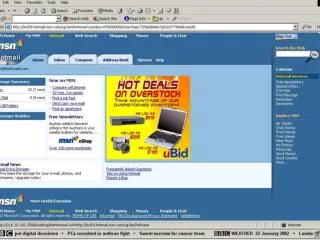
HOTMAIL • Tracing your email • Open hotmail and login • Click on OPTIONS • Select MAIL DISPLAY SETTINGS • Click on INBOX • Click on message
Advanced Display Settings • The next 2 slides show the difference in the headings between advanced and basic.
IP Addresses • Received from 207.25.80.51 • You can find out your own IP address by going to START, RUN, type cmd if your operating system is WIN 2000 and click OK • Type ipconfig