Creating Readable Reports in SQL*Plus: Formatting, Headers, and Data Display
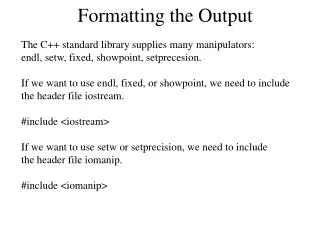
This chapter provides a comprehensive guide on formatting output in SQL*Plus to produce readable reports. Key commands such as COLUMN and FORMAT are explained to customize data display and column headings. Learn to use the SET command to modify the UNDERLINE variable, along with TTITLE and BTITLE for adding headers and footers. The BREAK command is highlighted for suppressing duplicate data and allowing blank lines after groups. Additionally, the SPOOL command is covered to save results to a text file, enhancing data reporting capabilities.


Creating Readable Reports in SQL*Plus: Formatting, Headers, and Data Display
E N D
Presentation Transcript
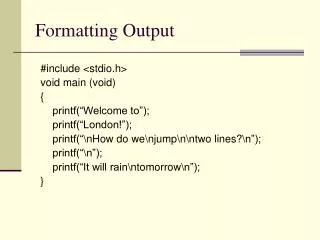
Basic Report Creation in SQL*Plus • Enter format for the report • Enter a query to retrieve data
COLUMN Command Formats both column heading and data displayed in column
FORMAT Option Specifies format model for the data
HEADING Option Specifies a column heading
SET Command • SET command used to change the UNDERLINE variable • Assign blank space to add separator with FORMAT option of COLUMN command
NULL Option Provides substitute for NULL values
Report Headers and Footers • Header • Appears at top of reports • Created with TTITLE command • Footer • Appears at bottom of reports • Created with BTITLE command
BREAK Command • Suppresses duplicate data • Allows blank lines after groups
CLEAR Command Used to clear settings applied to the BREAK and COLUMN commands
COMPUTE Command Can include AVG, SUM, COUNT, MAX, or MIN keywords
SPOOL Command Saves results to text file