Exploring Your Learning Styles and Intelligences: A Personal Journey
This guide outlines activities to help you understand your learning preferences and intelligence types. Start by completing the Learning Styles Survey and the Multiple Intelligences Quiz. Record your results and reflect on whether you agree with them. Additionally, create accounts for Wikispaces, VoiceThread, Turnitin, and Blackboard using provided information, ensuring you're set up for easy access to educational resources. Don't forget to engage with literature during SSR on Fridays, enriching your learning experience.

Exploring Your Learning Styles and Intelligences: A Personal Journey
E N D
Presentation Transcript
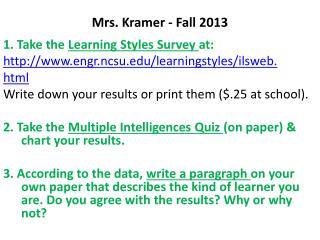
Mrs. Kramer - Fall 2013 1. Take the Learning Styles Survey at: http://www.engr.ncsu.edu/learningstyles/ilsweb. html Write down your results or print them ($.25 at school). 2. Take the Multiple Intelligences Quiz (on paper) & chart your results. 3. According to the data, write a paragraph on yourown paper that describes the kind of learner you are. Do you agree with the results? Why or why not?
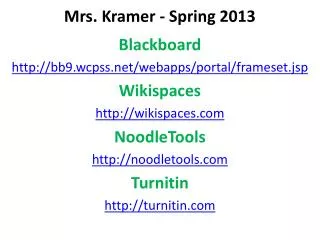
4. Log in to the following & record your usernames & passwords: Wikispaces http://wikispaces.com VoiceThread https://wcpss.ed.voicethread.com Username: wcp + student id# Password: student id #
Turnitin http://turnitin.com Click “Create Account” (top of page) & “Student” (bottom of page). Period 2 login: 6858772 english Period 3 login: 6858784 english Blackboard GH Website > Students > Blackboard Username: Student id# Password: Same as last year or have it reset in the Media Center
5. Eduglogster – “All About Me” Collage http://edu.glogster.com Teacher Code: 1HEDUU 6. Don’t forget to check out a book/bring a book for SSR on Fridays after the vocabulary quizzes.