Essential Ergonomics Tips for a Healthier Workspace
Discover key ergonomic do's and don'ts to optimize your workspace for comfort and efficiency. Adjust your chair and footrest for proper support, and position your monitor to reduce strain on your neck and head. Ensure that your keyboard and mouse have functional wrist cushions. Proactively use ergonomic tools and seek assistance when needed. Avoid common mistakes such as resting your arms on sharp edges, overreaching, lifting heavy objects without help, or using broken equipment. Follow these guidelines to enhance your work experience.

Essential Ergonomics Tips for a Healthier Workspace
E N D
Presentation Transcript
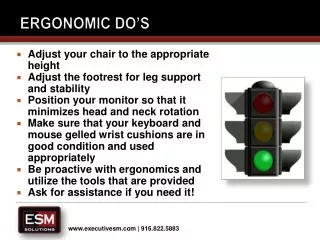
Ergonomic Do’s • Adjust your chair to the appropriate height • Adjust the footrest for leg support and stability • Position your monitor so that it minimizes head and neck rotation • Make sure that your keyboard and mouse gelled wrist cushions are in good condition and used appropriately • Be proactive with ergonomics and utilize the tools that are provided • Ask for assistance if you need it!
Ergonomic Don'ts • DO NOT rest your arms/forearms on sharp edges that could create a “pinch-point” • DO NOT overreach for items, walk to them or position them closer to your station • DO NOT overexert yourself when lifting or carrying heavy objects, ask for assistance • DO NOT Use broken equipment, be sure to advise your manager