Images
This guide explores advanced techniques for image manipulation using MATLAB, focusing on RGB color planes and column shuffling. Learn how to load an image, visualize separate color channels (red, green, and blue), and manipulate the image dimensions. Discover how to create a 3D matrix representation of RGB images and how to shuffle columns to achieve unique visual effects. This step-by-step tutorial is perfect for both beginners and those looking to enhance their image processing skills in MATLAB.

Images
E N D
Presentation Transcript
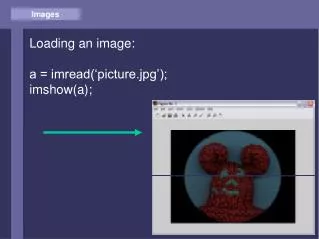
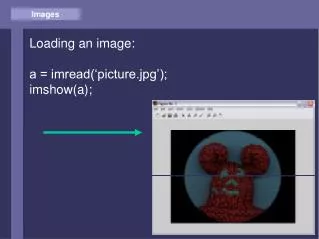
Images Loading an image: a = imread(‘picture.jpg’); imshow(a);
Images Image (=matrix) size: size(a): 384 512 3 R G B 384 512
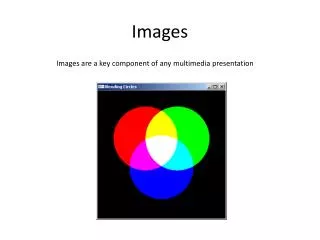
Images Color image: 3D Matrix of RGB planes
Images Show RED plane: a(:,:,2:3) = 0; imshow(a);
Images Show GREEN plane: a(:,:,[1 3]) = 0; imshow(a);
Images Show BLUE plane: a(:,:,1:2) = 0; imshow(a);
Images Advanced: Shuffling columns rn = rand(1,512); [rn1,i] = sort(rn); b = a(:,i,:); imshow(b);