Mastering Table Design: Simple vs. Complex Structures
Learn to identify and create tables, design with and without borders, organize content, and code efficiently. Understand table elements, rows, columns, cells, borders, headers, and captions in a 3-step process.

Mastering Table Design: Simple vs. Complex Structures
E N D
Presentation Transcript
Objectives • Identify table elements • Create a table by planning, designing, and coding • Design a table without a border • Design a table with a border
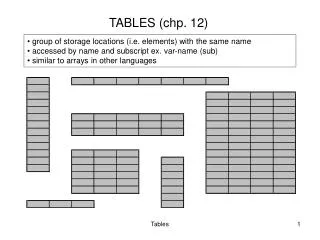
Simple vs. Complex 1. Simple • 2. Complex
Tables and Web Pages • Present information using columns and rows • Makes content clear and easy to read • Organize text, images, links, etc • Wrap text around images • Web designers can use simple and/or complex tables
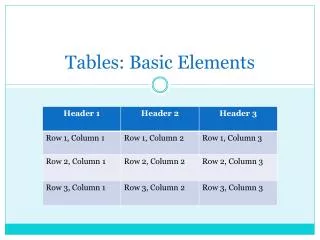
Table Elements • Rows • Columns • Cells • Borders • Headers • Caption
Table Elements: Rows • Row – a horizontal line of information
Table Elements: Columns • Column – vertical line of information
Table Elements: Cells • Cell – Intersection of a row and column • Heading cells – display text as bold and centered • Data cells – display normal text that is left-aligned
Table Elements: Borders • Borders – lines that cover the edges of the table
Table Elements: Headers • Headers – bold text that indicates the reason of the rows or columns
Table Elements: Caption • Caption - text above or below the table that explains the purpose of the table A caption could be here to let a reader know more information of this table OR a caption could be here to let a reader know more information of this table
3 Step Process • Is the table needed? • Plan the table • Design/Code the table
Is the table needed? • A table is appropriate when it makes the Web page easier to read • Therefore, not all Web pages need Tables
Table Planning • Plan how much information is going to be needed • Create a good design • Sketch the end result of a table before coding
Table Coding • Four major tags in coding