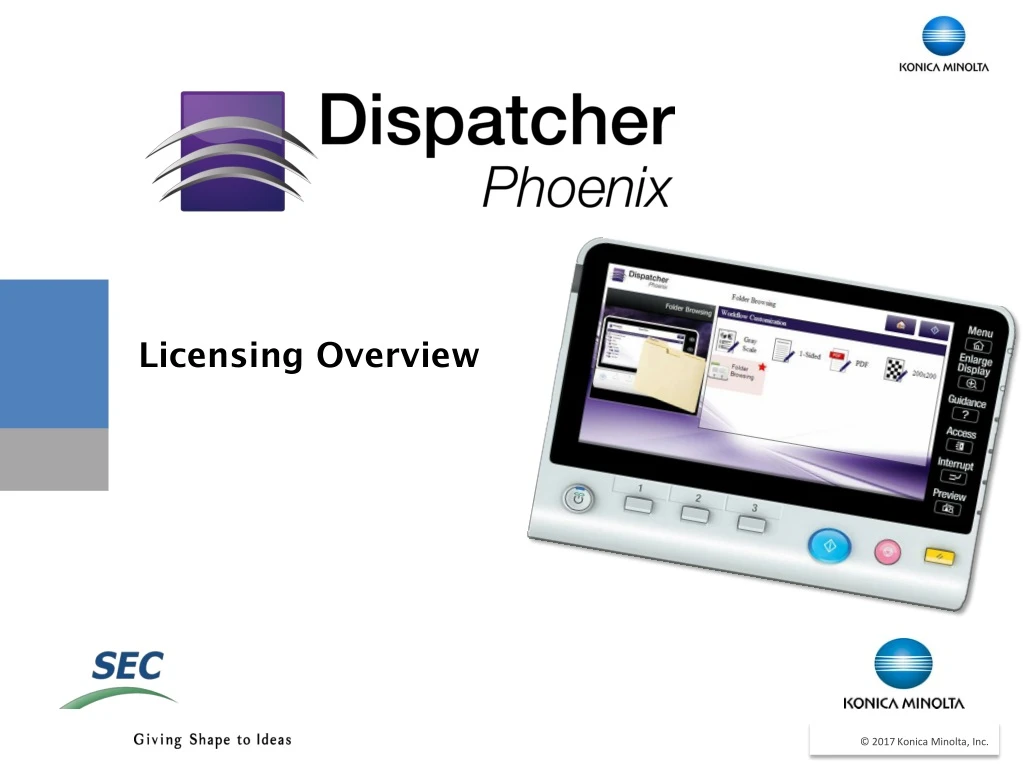
Licensing Overview
Licensing Overview. About Dispatcher Phoenix Licensing. INPUTS Input Folder Collects from local or network folders MFP Collects from MFP User Boxes bEST Allows you to initiate workflows directly from an MFP using bEST technology.

Licensing Overview
E N D
Presentation Transcript
About Dispatcher Phoenix Licensing • INPUTSInput FolderCollects from local or network folders • MFPCollects from MFP User Boxes • bESTAllows you to initiate workflows directly from an MFP using bEST technology. • LPR In Collects print jobs from an LPR Client like the Windows Printer Queue. • SMTP In Receives emails sent from an MFP. • Google Cloud PrinterReceives Google Cloud print jobs. • DP MobileReceives files from mobile devices. • DP WorkstationReceives files from DP Workstation. • Dispatcher Phoenix is licensed by active inputs • An input is any entry point into a workflow • An active input is in a workflow that is running or scheduled to run • A workflow can have one or many active inputs
About Dispatcher Phoenix Licensing (continued) • Some features of Dispatcher Phoenix are licensed per user: • DP Mobile (10, 25, 50, 100, 250, 500 & 1000 User Packs) • DP Workstation (1 & 10 User Packs) • DP Batch Indexing Package (1 & 10 User Packs) • Named Licensing bEST
How Are Inputs Counted? • Active Inputs are counted across multiple workflows by the following: • SameIP Address/Host Name for: • - bEST MFP • - SMTP In • - MFP (mailboxes) • Input Folder Path • LPR Queue name 12.34.56.78 C:\Folder\Path LPR_PORT1 bEST
Benefits • More flexibility when creating workflows • Can create many workflows for the same MFP or input device, without incurring additional active input license fees • Expand business use with additional workflows using only ONE active input • New licensing simplifies pricing and ordering process
Overview of Licensing • One device (unique IP/MAC address) used in multiple workflows is only counted ONCE • Thesame MFP device can be used in different types of inputs (e.g., bEST, MFP, SMTP In) and still only be counted ONCE • If multipleInput Folders in multiple workflows are collecting from the same directory, they are only counted ONCE 1 Active Input Workflow #1 Workflow #2
Active Input Example – 1 Active Input 1st Example: Running 3 “separate” bEST workflows all using the same MFP (e.g., Convert to Microsoft Word, Convert to Searchable PDF, and Convert to PDF/A) Workflow #1 12.34.56.78 Workflow #2 12.34.56.78 IP Address: 12.34.56.78 1 Active Input Workflow #3 12.34.56.78
Active Input Example – 1 Active Input 2nd Example: 4 different workflows that each include only ONE Input Folder node as inputs and these Input Folders nodes all collect from the same directory Workflow #1 Workflow #2 C:\Reports C:\Reports C:\Reports C:\Reports Workflow #3 Folder: C:\Reports 1 Active Input Workflow #4
Active Input Example – 1 Active Input Licensing 3rd Example: 1 workflow with an SMTP In node, MFP node, and bEST node – all collecting from the SAME device Workflow All input methods reside on same MFP, so only 1 Active Input required 12.34.56.78 12.34.56.78 IP Address: 12.34.56.78 1 Active Input 12.34.56.78
Active Input Example – 3 Active Inputs Licensing 4th Example: 5 inputs but 3 use the same MFP (IP address) so only 3 total active inputs counted 12.34.56.78 12.34.56.78 12.34.56.78 Workflow C:\Reports\Monthly 10.20.30.40