
Uploaded by
leala
4 SLIDES
180 VUES
40LIKES
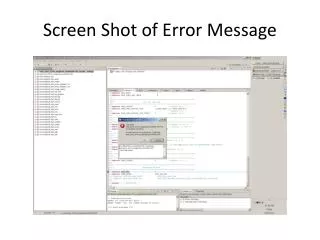
Resolving Error Messages in TI CCSv5 with Eclipse Configuration Adjustments
DESCRIPTION
This guide addresses common error messages encountered in TI Code Composer Studio (CCSv5) when using Eclipse. It provides two alteration techniques to optimize memory settings for better performance. First, modify the `eclipse.ini` file by changing `-Xmx384m` to `-Xmx1024m`. Second, edit the `ccstudio.ini` file by adjusting `-Xmx384m` to `-Xmx768m`. These modifications can help resolve memory-related errors and improve the IDE's stability and responsiveness.
Download
1 / 4
Télécharger la présentation 
Resolving Error Messages in TI CCSv5 with Eclipse Configuration Adjustments
An Image/Link below is provided (as is) to download presentation
Download Policy: Content on the Website is provided to you AS IS for your information and personal use and may not be sold / licensed / shared on other websites without getting consent from its author.
Content is provided to you AS IS for your information and personal use only.
Download presentation by click this link.
While downloading, if for some reason you are not able to download a presentation, the publisher may have deleted the file from their server.
During download, if you can't get a presentation, the file might be deleted by the publisher.
E N D
Presentation Transcript
First Alteration Technique • Change eclipse.ini in //ti/ccsv5/eclipse • Change xmx384m to xmx1024m
Second Alteration Technique • Change ccstudio.ini in //ti/ccsv5/eclipse • Change xmx384m to xmx768m












More Related

Audio
Live Player