Mastering Ladder Diagram Programming with LD Editor: A Comprehensive Guide
In this lesson, learners will acquire the skills to program, download, and test logic using the Ladder Diagram (LD) Editor. Key objectives include demonstrating an understanding of LD logic, creating ladder diagrams, and connecting objects effectively. You will learn how to connect contacts in sequence (AND-BOOL) and in parallel (OR-BOOL), and how to manipulate power rails and coils correctly. The lesson features practical examples and demonstrations to solidify your knowledge, ensuring you can confidently apply these concepts in real-world scenarios.

Mastering Ladder Diagram Programming with LD Editor: A Comprehensive Guide
E N D
Presentation Transcript
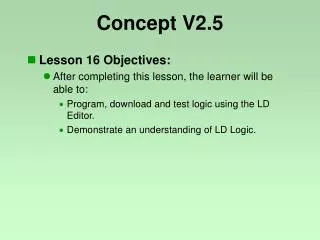
Concept V2.5 • Lesson 16 Objectives: • After completing this lesson, the learner will be able to: • Program, download and test logic using the LD Editor. • Demonstrate an understanding of LD Logic.
Concept V2.5 • Creating a Ladder Diagram Section
Concept V2.5 • Ladder Diagram Editor Example
Concept V2.5 • Ladder Diagram Programming Objects
Concept V2.5 • Connecting Objects • All contacts can be connected in sequence (AND-BOOL) • All contacts can be connected in parallel (OR-BOOL) • All contacts can be connected in both, parallel and sequence • The network must be connected to the power rail • The power rail refers to the data type BOOL • FFB's can be inserted at any position of the network • Coils have to be connected to contacts or FFB-outputs • The right and left side of a coil always has the same value! • At coils with negation or transition the value will be stored in the associated variable
Concept V2.5 • The Toolbar Vertical short must be used for parallel connection
Concept V2.5 Ladder Diagram Demonstration and Lab