1 / 7

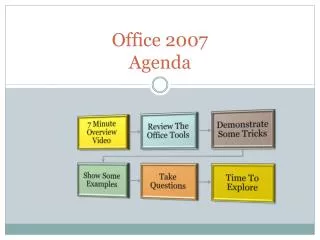
Office 2007 Agenda

This video provides a concise overview of PowerPoint 2007, highlighting key features and functionalities. Learn how to effectively use the Ribbon, insert sound, and utilize the Equation Editor for enhanced presentations. Discover creative ideas to spark your thinking and engage your audience. Additionally, the session includes independent work questions to reinforce your learning and provide a hands-on experience. Whether you're a beginner or seeking to refine your skills, this video covers all essential aspects of PowerPoint 2007.

Télécharger la présentation

Office 2007 Agenda

An Image/Link below is provided (as is) to download presentation Download Policy: Content on the Website is provided to you AS IS for your information and personal use and may not be sold / licensed / shared on other websites without getting consent from its author. Content is provided to you AS IS for your information and personal use only. Download presentation by click this link. While downloading, if for some reason you are not able to download a presentation, the publisher may have deleted the file from their server. During download, if you can't get a presentation, the file might be deleted by the publisher.

E N D

Presentation Transcript


  1. Office 2007Agenda

  2. PowerPoint 2007 7 Minute Video Overview

  3. Click Here To Minimize The Ribbon

  4. Some Features PowerPoint 2007

  5. Some Ideas To Get You Thinking

  6. Questions/Independent Work How do I insert sound? How do I insert Equation Editor images?

More Related