Essential Instructions for Using This Presentation Template
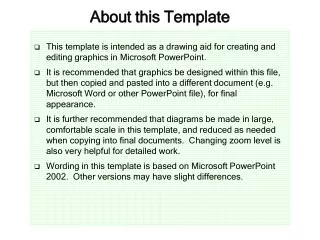
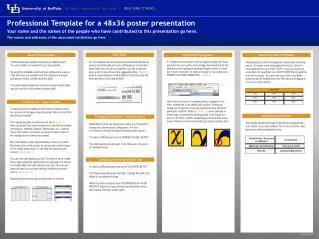
This template provides guidelines for effectively utilizing the design presentation format. Begin by saving this presentation immediately as a .ppt file. It includes a master format for slides and handouts, with the default handout layout displaying three slides per page. While you can adjust the number of slides printed per page, be aware that the appearance may vary. Additionally, you'll find examples of slides, including one with a picture and a free-form slide for flexibility in your presentation design.


Essential Instructions for Using This Presentation Template
E N D
Presentation Transcript
Some Notes about this template • The first action you should take is to save this presentation • You have opened a design template (.pot) • Need to save as .ppt • A master exists for: • Slides • Handouts - default is 3 to a page • You can print a different number, but no guarantees about appearance • Notes