Download
1 / 16
160 likes | 279 Vues
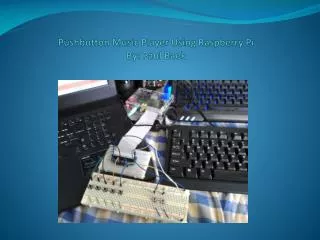
This project guides you through creating a simple and efficient music player using a Raspberry Pi and push buttons. By utilizing a breadboard, seven push buttons, and a GPIO kit, you can control music playback without a traditional computer, thus saving processing power. With Python code, you can manage key presses to skip songs seamlessly. The guide covers essential wiring, coding techniques, and troubleshooting methods, ensuring you have all you need to enjoy your custom music player at home.

E N D
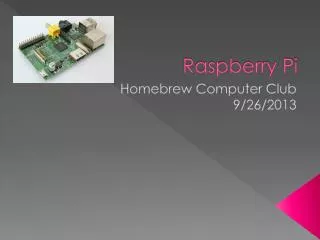
Materials • Breadboard • 7 push buttons • 7 10k ohm resistors • Raspberry Pi Budget pack from Adafruit.comBudget pack includes the following:GPIO Kit, Wires, 4 GB SD card, Raspberry Pi enclosure, Raspberry Pi power supply, small breadboard. • Raspberry Pi
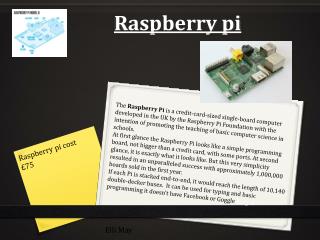
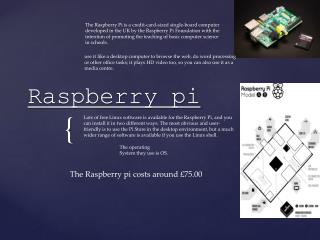
What is it? • The Raspberry Pi is a Linux based computer that is about the size of a credit card. It can be used for computing, however, it is best used for personal projects and/or used as an embedded device. • The ability to connect to and program it’s GPIO pins allow the user to connect sensors, buttons, switches, etc. to the Raspberry Pi.
Objectives • To make something practical that I can also use at home. • I wanted to create a music player that doesn’t run on my PC so I can reduce processing power used. • Make it controllable with push buttons.
Python Code Key points
Key Press Function • MPG321 uses the Control+C key press to skip forward to the next song. To bind this to a push button, I had to create a special function and variable.
Contol C function • Control_c_sequence = ‘ ‘ ‘keydownControl_Lkey ckeyupControl_L‘ ‘ ‘ • Def keypress(sequence): p=Popen([‘xte’], stdin=PIPE)p.communicate(input=sequence) return 0;
Signal interrupt • An issue I came across when using the control c input was that it’s the program shutdown button for python. I had to find a way to block the shutdown signal, so I created a function to do just that.
SIGINT function • Def sigint_handler(signum, frame): pass • The following line of code had to be inserted after the keypress sequence:signal.signal(signal.SIGINT, sigint_handler)