Professional Presentation Layout for Effective Logo Design
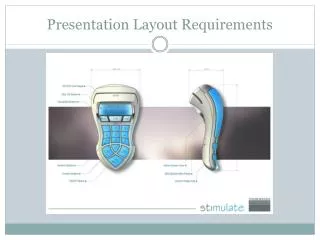
Create a stunning presentation layout for your logo design that showcases your brand's identity. Utilize borders, headers, and footers to include your name, manufacturer, and product name effectively. Opt for a contrasting background to enhance visibility, and feature a prominent hero shot of your logo design. Ensure high-quality rendering while providing clear annotations regarding the aesthetic, function, style, and flair of the logo. Complete your design using vector software like Adobe Illustrator for optimum precision and professionalism.

Professional Presentation Layout for Effective Logo Design
E N D
Presentation Transcript
Presentation Layout for Your Logo Design Use of border, footer or header Include your name, manufacture, product name Contrasting background Prominent display hero shot of logo design High quality rendering of logo Basic annotation of aesthetic, function, style, flair etc. Completed on vector software – Illustrator.