Comprehensive Guide to ZMB20 Report Commands
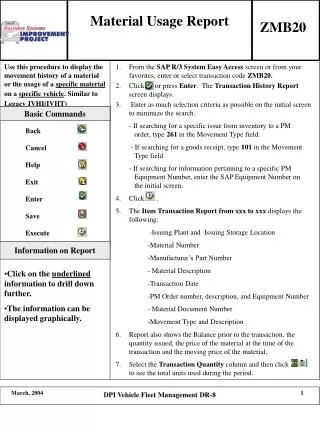
This document provides detailed instructions on the usage of the ZMB20 report commands, focusing on essential actions like Back, Cancel, Help, Exit, Enter, Save, Execute, and accessing report information. Users can drill down into specific data by clicking on underlined information, with options for graphical display. The guide is tailored for efficient navigation within the DPI Vehicle Fleet Management system, specifically the DR-8 report module, enhancing user experience and data management.

Comprehensive Guide to ZMB20 Report Commands
E N D
Presentation Transcript
Material Usage Report ZMB20 Basic Commands Back Cancel Help Exit Enter Save Execute Information on Report • Click on the underlined information to drill down further. • The information can be displayed graphically. DPI Vehicle Fleet Management DR-8