Download
1 / 2
20 likes | 128 Vues
This engaging presentation offers interactive self-registration features for teachers to efficiently take attendance. With action buttons and editable text boxes, educators can easily input pupil names and the current date. Students simply click on their names to indicate their presence, with their names flying to the top of the board. Weather symbols are also provided for daily updates. Designed to run as a slideshow from slide 2, this resource enhances classroom engagement. Compatible animations can be sourced from Animation Factory and Communication4all.

E N D
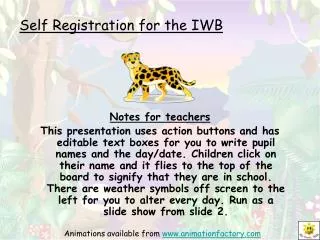
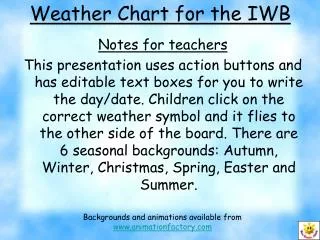
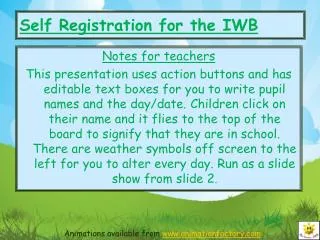
Self Registration for the IWB Notes for teachers This presentation uses action buttons and has editable text boxes for you to write pupil names and the day/date. Children click on their name and it flies to the top of the board to signify that they are in school. There are weather symbols off screen to the left for you to alter every day. Run as a slide show from slide 2. Animations available from www.animationfactory.com
www.communication4all.co.uk Today is Friday 27th October Welcome 1. 2. 3. 4. 5. 6. 7. 8. 9. 10. 11. 12. 13. 14. 15. 16. 17. 18. 19. 20. 21. 22. 23. 24.